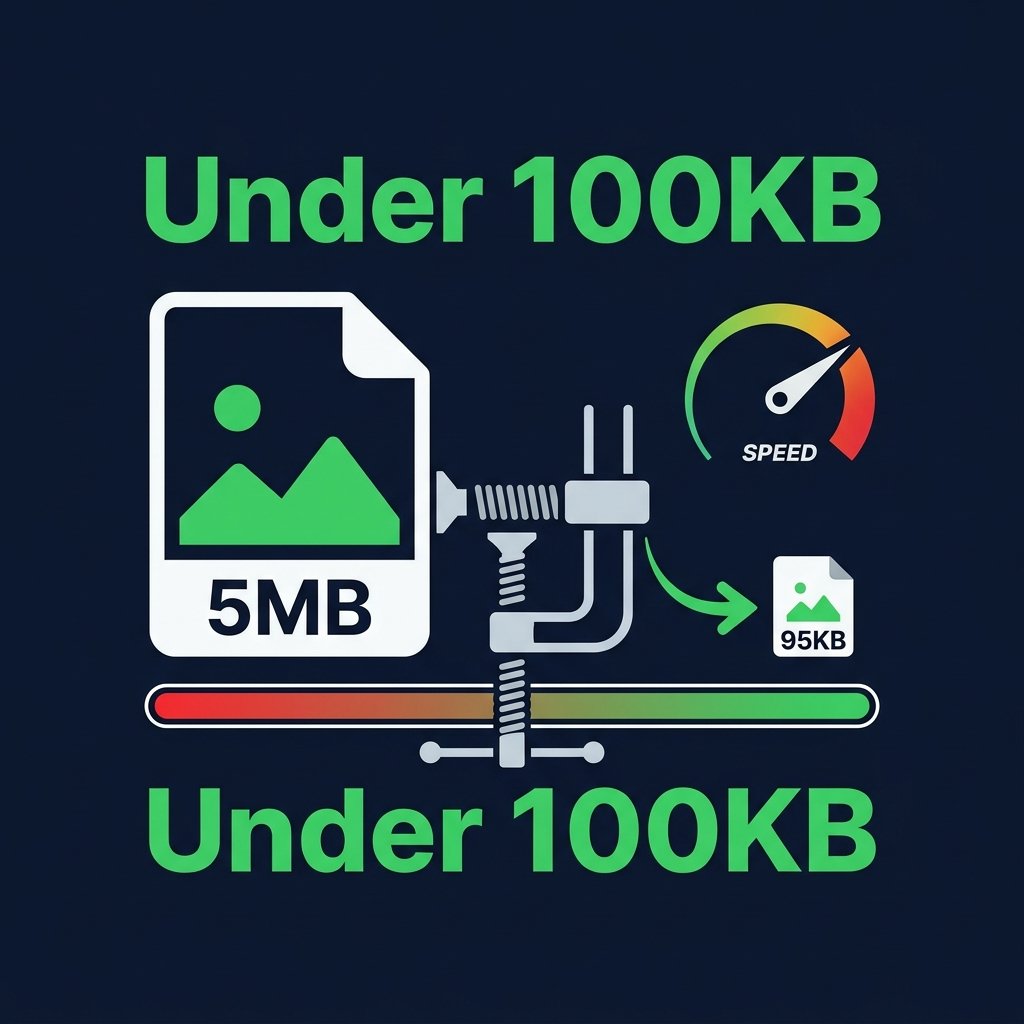
Many government portals, job application forms, university admissions, and email systems require photos under a specific file size — commonly 50KB, 100KB, or 200KB. BGImageSnap.com free Image Compressor reduces any image below your target file size directly in your browser, with no quality loss visible to the human eye.
How to Compress Image Below 100KB — Step by Step
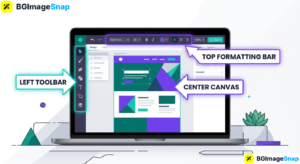
- Open the Image Compressor on BGImageSnap.com.
- Upload your JPG or PNG image.
- Move the quality slider down gradually. Watch the estimated output size update in real time.
- Stop when the estimated size is below your target (e.g., 95KB for a 100KB limit).
- Click Compress and download your file.
Target File Sizes for Common Forms
- Indian passport application: 10KB to 500KB for photo, 10KB to 300KB for signature
- UPSC / SSC applications: Usually 20KB to 100KB for photo
- Bank KYC / account opening: Usually under 100KB to 200KB
Tips to Get Smaller File Size Without Quality Loss
- Convert from PNG to JPG first using our Format Converter — this alone can reduce size by 60-70%
- Resize to exactly the required dimensions using our Image Resizer before compressing
- Set JPG quality to 70-80% — visually identical to 100% at half the size
Frequently Asked Questions
How do I reduce photo size to exactly 50KB?
Use the real-time size estimator in our Image Compressor. Adjust the quality slider until the estimated output shows approximately 45-50KB, then compress.
Can I compress a passport photo below 50KB without losing face clarity?
Yes. Convert to JPG first using our Format Converter, then compress. JPG at 80% quality will be well under 50KB with clear facial detail.