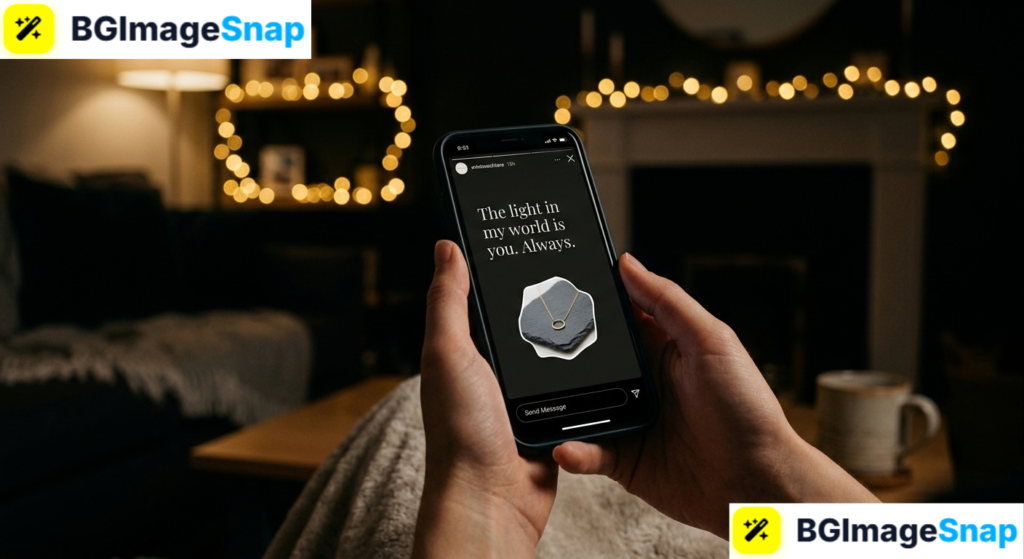
A plain black background makes text, quotes, and announcements pop like nothing else on Instagram. Creating a Black Story for Instagram takes less than a minute once you know the built in tricks and no design skills are required. In this guide, you’ll learn four easy methods to make a Black Story for Instagram, plus creative ideas to make yours stand out.
Key Takeaways
- A Black Story for Instagram uses a solid black background to make text and stickers stand out.
- Instagram’s Create mode offers a black background with zero effort just tap and type.
- The pen tool trick fills any Story screen with solid black in five seconds.
- Black Stories work perfectly for quotes, announcements, countdowns, and moody aesthetics.
- Free tools at bgimagesnap help you prepare cutouts and graphics to layer on black backgrounds.
What Is a Black Story for Instagram and Why Make One?
A Black Story for Instagram is a Story with a solid black background instead of a photo or video. Think of it as a blank dark canvas where your words, stickers, and images become the entire focus.
Why does this simple style work so well? Contrast. White text on black is one of the most readable combinations in design, and bright colors glow against dark backgrounds. Your message literally cannot be missed.
Black Stories also carry a mood. They feel elegant, dramatic, and intentional which is why brands use them for announcements and creators use them for emotional or important posts.
There’s a practical benefit too. A Black Story for Instagram takes seconds to create, loads instantly on any connection, and looks polished without a single photo. When you have something to say but nothing to show, black is the answer.
Black Story for Instagram: 4 Easy Methods and Creative Ideas
Here’s a complete breakdown of every way to make a Black Story for Instagram, plus ideas for what to post on it. No design experience needed for any of these.
Method 1: Create Mode (Easiest)
- Open the Story camera and tap the “Aa” Create button on the left side.
- Tap the color circle at the bottom until the background turns black.
- Type your text, add stickers, and publish done in under a minute.
Method 2: The Pen Tool Fill Trick
- Take any photo or upload one to your Story draft.
- Tap the draw tool (squiggly line icon) at the top.
- Select the pen marker and choose black from the color palette.
- Press and hold anywhere on the screen for two seconds the entire screen floods with solid black.
- This trick also works with any color, so save it for future designs.
Method 3: Upload a Black Image
- Save a plain black image to your phone (screenshot a dark screen or create one in any editor).
- Upload it to your Story like any photo, then layer text and stickers on top.
- This method gives you a reusable black canvas saved in your gallery.
Method 4: Cover the Camera Trick
- Open the Story camera and simply cover your lens with your finger.
- Snap the photo it comes out pure black.
- It’s low tech, but it works instantly with no settings at all.
Creative Ideas for Your Black Story
- Bold quotes white or neon text on black makes words feel powerful.
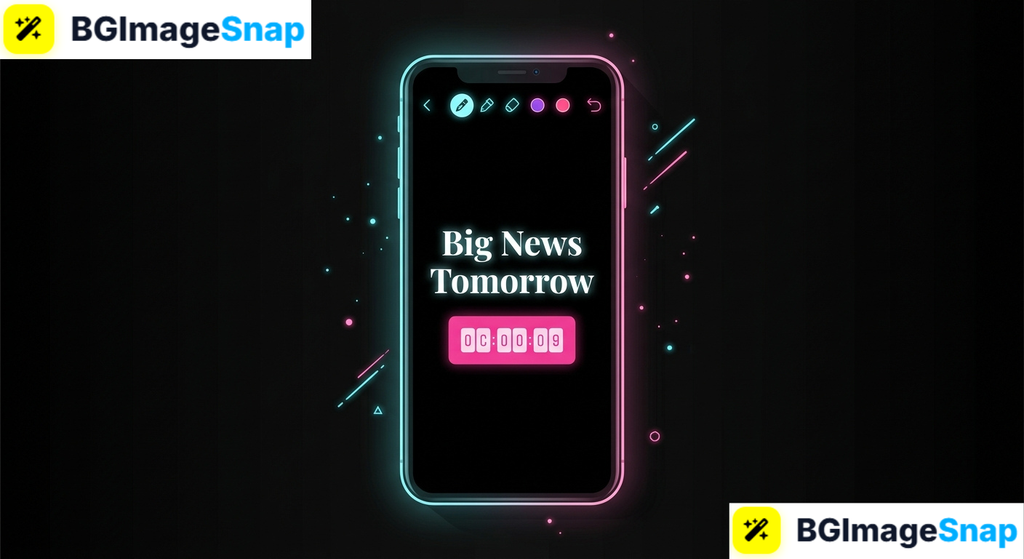
- Announcements “Big news tomorrow 👀” hits harder on black.
- Countdowns pair the black canvas with Instagram’s countdown sticker for launches.
- Lyrics and poetry a moody black background matches emotional content perfectly.
- Product spotlights one product photo floating on black looks like a premium ad.
- Polls and questions interactive stickers get more taps when nothing distracts from them.
- Photo cutouts layer a background removed image on black for a clean, editorial look.
How to Make a Black Story for Instagram Step by Step
This walkthrough uses the pen tool trick the most flexible method since it works on any Story draft. Here’s how to make a Black Story for Instagram in five quick steps:
- Open Instagram and start a new Story. Tap your profile picture with the “+” icon, or swipe right from your feed to open the Story camera.
- Take or upload any photo. Don’t worry about what it looks like you’re about to cover it completely.
- Fill the screen with black. Tap the draw tool, select the pen marker, choose black, then press and hold the screen for two seconds until it floods solid black.
- Add your content. Type text in white or a bright color, drop in stickers, GIFs, music, or a countdown. For a pro touch, layer a photo cutout prepared free at bgimagesnap transparent PNGs float beautifully on black.
- Preview and share. Check that your text is readable and nothing sits too close to the edges, then tap “Your Story” to publish.
The entire process takes about ninety seconds, and the same steps work for any solid background color you want in the future.
Who Uses Black Stories? Real Use Cases
A Black Story for Instagram fits more situations than you’d expect. Here are four groups who rely on this style regularly:
Small business owners and sellers. Shops use black Stories for flash sale announcements, restock alerts, and product showcases. A single product photo on black with a price tag looks like high end advertising made in two minutes on a phone.
Content creators and influencers. Creators use black backgrounds for serious announcements, milestone thank yous, and teaser posts. The dramatic pause a black screen creates in a Story sequence makes followers stop and read.
Students and everyday users. From sharing favorite lyrics to posting late night thoughts, students love the moody aesthetic. Black Stories feel more personal and intentional than random photos, with zero effort required.
Event organizers and musicians. Concert dates, party invitations, and countdown stickers all shine on black. Promoters layer neon text and GIFs for a club poster look that grabs attention instantly.
Tips for a Better Black Story for Instagram
- Use white or neon text colors. White, yellow, cyan, and pink pop hardest against black. Dark colors like navy or maroon disappear completely.
- Keep text short and centered. Black Stories are about impact one sentence or phrase beats a paragraph every time.
- Mind the safe zones. Keep text away from the very top and bottom of the screen, where your profile icon and reply bar overlap.
- Layer cutout images for depth. A background removed product or portrait on black creates that floating, editorial effect. Remove backgrounds free at bgimagesnap in seconds.
- Add subtle texture with the pen tool. A faint scribble or dots in dark gray adds dimension without ruining the minimalist vibe.
- Pair black Stories with music. A fitting track transforms a simple text slide into a whole mood browse Instagram’s music sticker before posting.
- Save your black canvas. Keep a plain black image in a dedicated gallery album so method three is always one tap away.
FAQs
How do I get a black background on Instagram Story?
The fastest way is the pen tool trick: open a Story draft, tap the draw tool, pick black, then press and hold the screen for two seconds. The Create mode (“Aa”) also offers black as a background color option.
Can I make a Black Story for Instagram without a photo?
Yes. Use Create mode (the “Aa” button) to start with a blank colored canvas, or upload a saved black image from your gallery. No photo is required.
Why does my black background look washed out or gray?
This usually happens when the screen fill gesture is too quick. Press and hold firmly for a full two seconds. Also check your phone’s brightness true black looks gray on some displays at low brightness.
Can I add photos on top of a black Story background?
Absolutely. After filling the screen with black, use the photo sticker to layer images on top. Cutout PNGs with transparent backgrounds look especially striking against black.
Do black Stories work for business accounts?
They work brilliantly. Black backgrounds make announcements, links, and product stickers impossible to miss many brands use them specifically for launches and sales.
Conclusion
A Black Story for Instagram is the fastest way to give your words, announcements, and images maximum impact and now you know four methods to create one in under a minute. Whether you choose Create mode, the pen tool trick, or a saved black canvas, your next Story will command attention. Want to layer stunning cutouts on your black background? Visit bgimagesnap to remove backgrounds and polish your images with free browser based tools!