Introduction
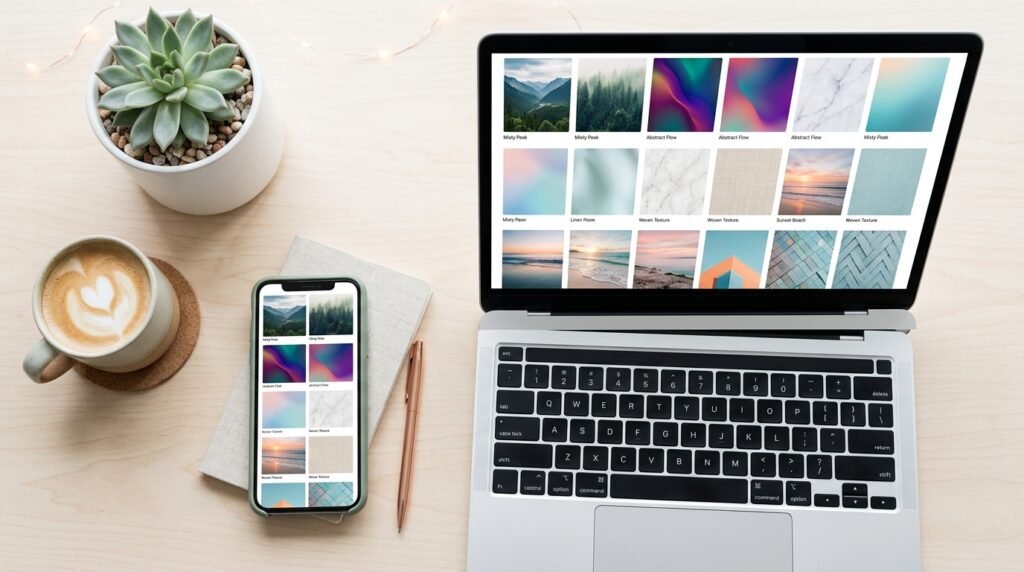
1920×1080 background images are the standard for Full HD screens desktops laptops and most monitors sold today. If you’ve ever downloaded a wallpaper that looked blurry, stretched, or cropped oddly it’s usually because the image wasn’t sized correctly for your display.
This guide covers where to find free high quality 1920×1080 background images how to confirm an image is actually the right resolution before downloading and how to resize or clean up an image yourself if you already have one that’s close but not quite right.
Table of Content
- Quick Answer / Key Takeaways
- Why 1920×1080 Is the Standard Resolution
- Best Free Sources for 1920×1080 Background Images
- How to Confirm an Image Is Actually 1920×1080
- How to Resize Any Image to 1920×1080
- Common Mistakes When Downloading Wallpapers
- FAQ
- Conclusion
Quick Answer / Key Takeaways
- 1920×1080 background images match Full HD resolution the most common screen size for desktops and laptops.
- Free legal sources include Unsplash, Pexels, and Pixabay, which offer images specifically filterable by resolution.
- Always check the actual pixel dimensions before downloading thumbnails can be misleading.
- If an image is close to 1920×1080 but not exact you can resize or crop it yourself in a few steps.
- Avoid upscaling small images to fit 1920×1080 it usually results in a blurry lower quality wallpaper.
Why 1920×1080 Is the Standard Resolution
1920×1080 pixels also known as Full HD or 1080p is the most widely used screen resolution for monitors, laptops, and TVs. Using an image at this exact size means:
- No stretching or distortion when set as a wallpaper
- No visible cropping from the display auto resizing the image
- Sharp detail without pixelation since the image matches your screen’s native pixel count
If your monitor uses a different resolution (like 2560×1440 or a 4K display) a 1920×1080 image will still work but may appear slightly less sharp when scaled up.
Best Free Sources for 1920×1080 Background Images
Here are reliable free platforms where you can search directly for background images at this resolution:
| Source | Best For | License Type |
|---|---|---|
| Unsplash | High quality photography, nature, minimal design | Free for commercial & personal use |
| Pexels | Wide variety easy resolution filtering | Free for commercial & personal use |
| Pixabay | Illustrations, patterns, and photos | Free for commercial & personal use |
Tip: On most of these platforms you can filter search results by orientation (landscape) and sort by resolution to find true 1920×1080 or larger images then downsize if needed.
Always check the specific license terms on the download page most allow free commercial use but some require attribution.
How to Confirm an Image Is Actually 1920×1080
Thumbnails don’t always reflect the real file size. Before setting an image as your wallpaper:
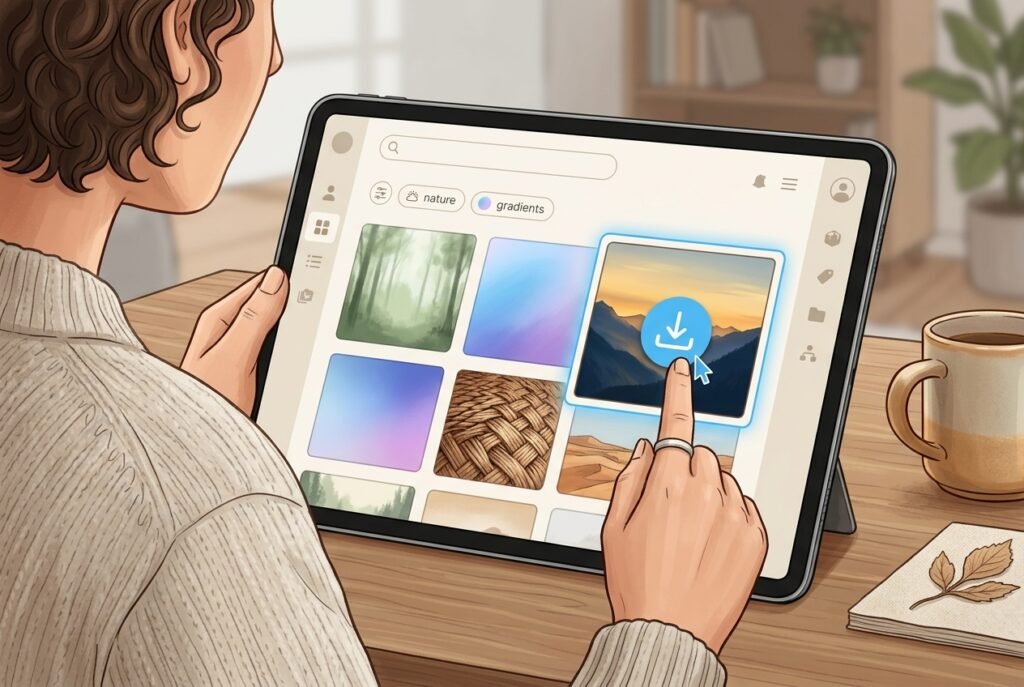
- Download the full resolution version not a preview or thumbnail.
- Right click the file (on Windows) or use “Get Info” (on Mac) to check its pixel dimensions.
- Compare it to 1920×1080. If it’s larger you can crop it down. If it’s smaller avoid stretching it.
- Check the aspect ratio. 1920×1080 is a 16:9 ratio an image with a different ratio will need cropping not just resizing.
How to Resize Any Image to 1920×1080
If you already have an image that’s close but not an exact match here’s how to fix it:
- Open the image in a free tool like Photopea Canva or GIMP.
- Set the canvas size to 1920×1080 pixels.
- Crop or reposition the image so the important part of the photo stays visible.
- Avoid enlarging small images beyond their original size this causes blurring.
- Export as JPEG or PNG at full quality for the sharpest result.
For a faster option a tool like BGimageSnap can handle resizing and background cleanup in one step without needing separate editing software.
Common Mistakes When Downloading Wallpapers
- Downloading the preview instead of the full size file many sites show a small preview by default.
- Upscaling a low resolution image to fit 1920×1080 which reduces sharpness.
- Ignoring aspect ratio leading to stretched or distorted images.
- Using copyrighted images without checking the license even if they appear on a “free” site.
FAQ
1. What does 1920×1080 mean exactly? It refers to an image’s pixel dimensions 1920 pixels wide by 1080 pixels tall matching Full HD screen resolution.
2. Are 1920×1080 background images free to use? Many are especially from platforms like Unsplash, Pexels, and Pixabay, but always check the specific license before commercial use.
3. Can I use a 4K image as a 1920×1080 wallpaper? Yes. A larger image can be downsized to 1920×1080 without quality loss since you’re removing pixels rather than adding them.
4. Why does my wallpaper look blurry even though it says 1920×1080? The file may have been upscaled from a smaller original or your monitor’s actual resolution may be higher than 1080p.
5. What’s the difference between 1920×1080 and 1080p? They refer to the same resolution 1080p is the common shorthand for 1920×1080 Full HD.
6. Do I need to credit the photographer for free background images? It depends on the platform’s license. Some allow free use without attribution; others request credit. Always check the source page.
7. What’s the best file format for a 1920×1080 wallpaper? JPEG works well for photos and keeps file size reasonable PNG is better if the image has transparency or sharp graphic elements.
Conclusion
Finding the right 1920×1080 background images comes down to using reliable free sources confirming the actual resolution before downloading and resizing correctly if needed rather than stretching a smaller image. Following these steps means your wallpaper will look sharp and properly fitted not blurry or cropped.
Need to resize or clean up a background image quickly? Try BGimageSnap for fast no fuss image editing and export.