Getting the wrong image size for Instagram can ruin your post quality — images get cropped, stretched, or pixelated. BGImageSnap.com free Image Resizer has built-in Instagram presets so you get the perfect dimensions in one click, directly in your browser.
Instagram Image Size Guide 2025
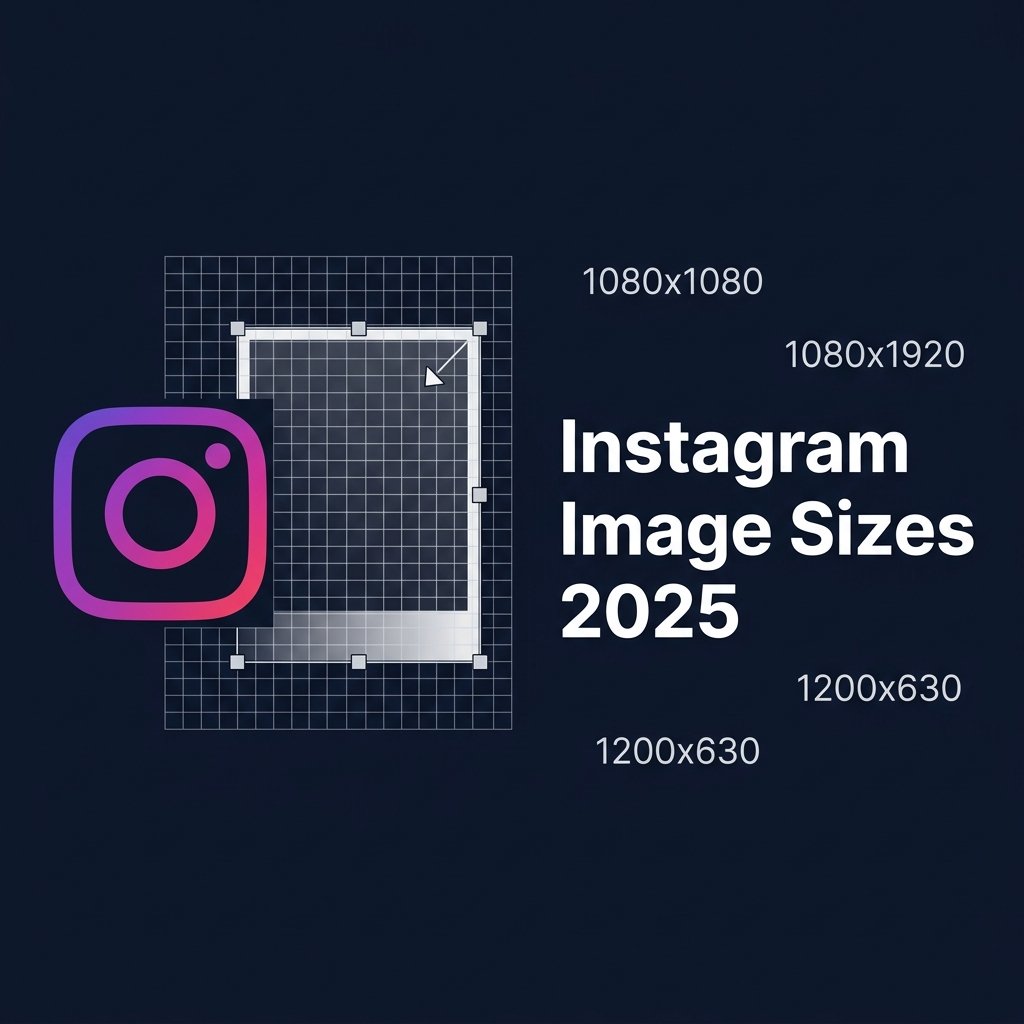
- Square post: 1080 x 1080 pixels (1:1 ratio)
- Portrait post: 1080 x 1350 pixels (4:5 ratio) — highest engagement
- Landscape post: 1080 x 566 pixels (1.91:1 ratio)
- Instagram Story: 1080 x 1920 pixels (9:16 ratio)
- Instagram Reel: 1080 x 1920 pixels (9:16 ratio)
How to Resize for Instagram Free — Step by Step
- Open the Image Resizer on BGImageSnap.com.
- Upload your photo (JPG, PNG, or WEBP).
- Click the Instagram preset button for your post type.
- The image is automatically resized to the exact dimensions.
- Download as JPG for smallest file size, or PNG for transparency.
Why Does Instagram Crop My Photos?
Instagram automatically crops images that do not match its required aspect ratios. If you upload a standard landscape photo (16:9) for a square post, Instagram crops the sides. Always resize to the correct dimensions before uploading to avoid unwanted cropping.
Best Image Quality Tips for Instagram
- Always upload at 1080px wide — Instagram compresses anything larger
- Use JPG format for photos, PNG for graphics with text
- After resizing, compress with our Image Compressor to stay under Instagram 8MB limit
Frequently Asked Questions
What is the best image size for Instagram posts in 2025?
1080 x 1080 pixels for square posts, 1080 x 1350 pixels for portrait (this format gets the most screen space in the feed). Use our Image Resizer to set exact dimensions.
Does resizing reduce image quality?
Making images smaller maintains quality well. Enlarging beyond the original size reduces sharpness. Always start with the highest resolution original photo.