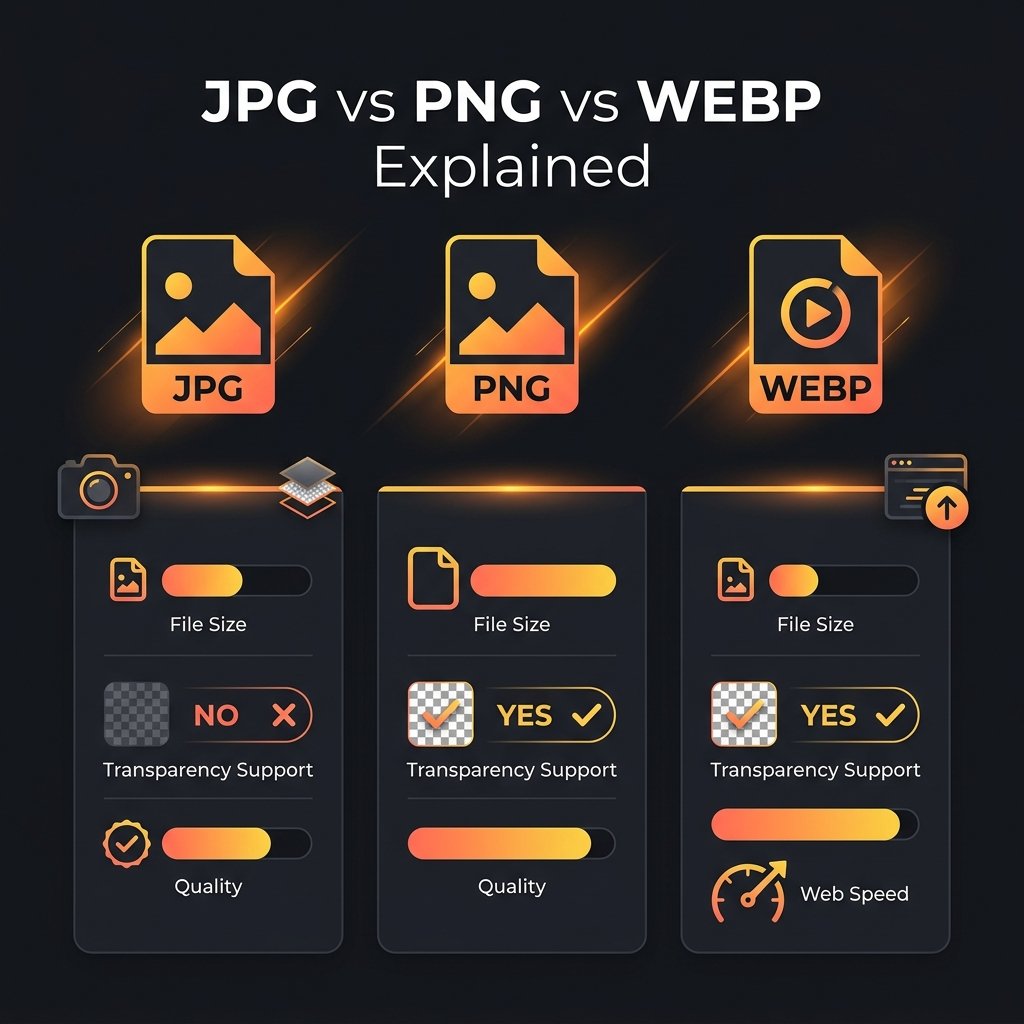
WEBP is a modern image format developed by Google that many websites use for faster loading. However, WEBP files are not supported by all software, printers, and older email clients. Converting WEBP to JPG solves compatibility issues. BGImageSnap.com free Format Converter converts WEBP to JPG in your browser instantly.
Why Convert WEBP to JPG?
- Compatibility: JPG is supported by every device, printer, email client, and image editor. WEBP is not.
- Printing: Most home printers and photo labs do not accept WEBP files.
- Image editors: Photoshop, older versions of GIMP, and many tools do not natively open WEBP.
How to Convert WEBP to JPG Free — Step by Step
- Open the Format Converter on BGImageSnap.com.
- Drag and drop your WEBP file(s) or click to select.
- Select JPG as the output format.
- Click Convert and download your JPG file.
WEBP to JPG Quality — What to Expect
If the WEBP file was originally a high-quality photo, the resulting JPG will also be high quality. The conversion process does not add compression artifacts beyond what was already in the WEBP file. After converting, you can further compress with our Image Compressor.
Frequently Asked Questions
Is WEBP to JPG conversion free?
Yes. BGImageSnap.com Format Converter is 100% free with no signup, no watermarks, and batch conversion support.
Can I convert multiple WEBP files to JPG at once?
Yes. Upload up to 10 WEBP files at once and download all converted JPGs in a single ZIP file.