Using the wrong image size is the single biggest cause of slow websites. Too large and your pages load slowly. Too small and images look pixelated and unprofessional. This guide covers the ideal dimensions and file sizes for every image type on a modern website.
Recommended Image Sizes for Website 2025
- Full-width hero / banner: 1920 x 1080 pixels, under 200KB
- Blog featured image: 1200 x 630 pixels, under 100KB
- Product image: 800 x 800 pixels minimum, under 200KB
- Thumbnail / card image: 600 x 400 pixels, under 50KB
- Logo: SVG preferred. PNG at 300 x 100 pixels, under 20KB
Best Image Format for Each Use Case
- Photographs: WEBP (best) or JPG
- Logos and icons: SVG (best) or PNG
- Screenshots with text: PNG
How to Optimize Images for Website Speed
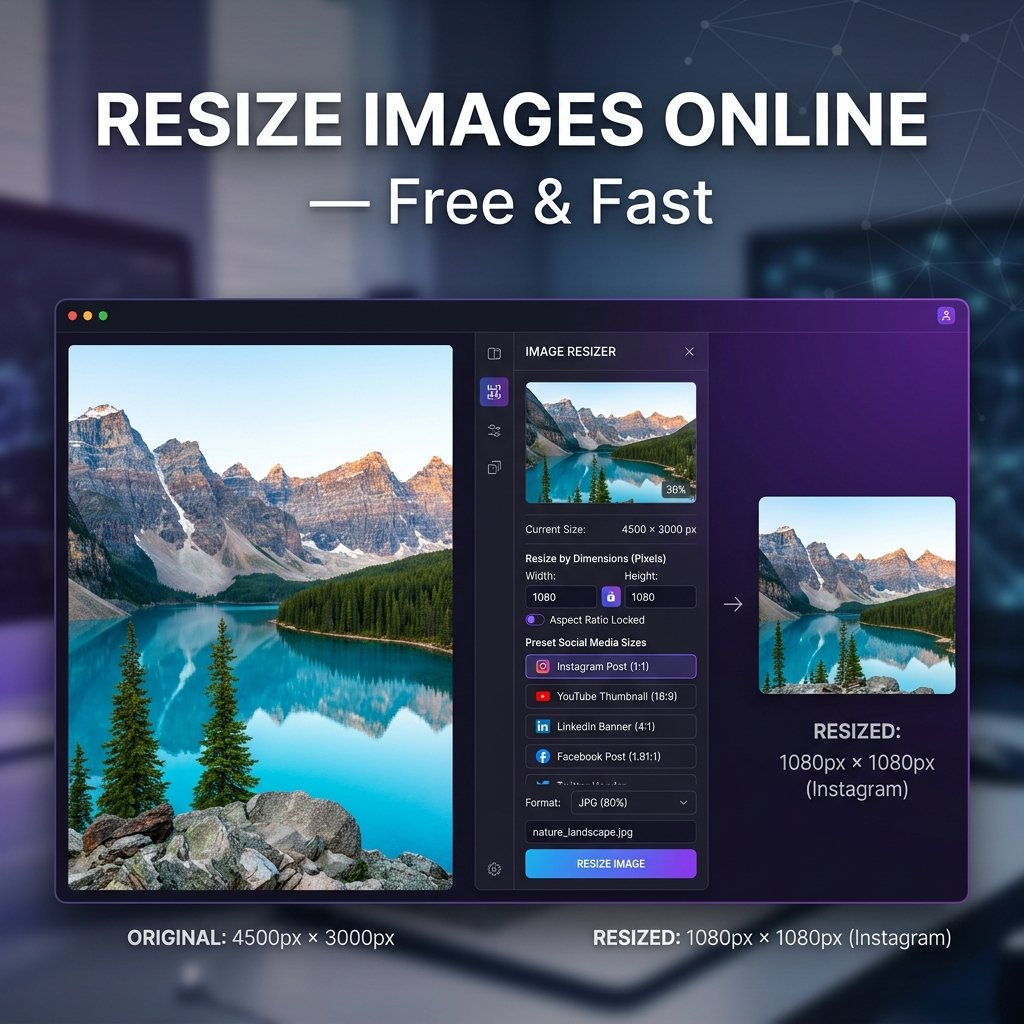
- Resize first: Use our Image Resizer to set exact dimensions — no larger than needed.
- Convert to WEBP: Use our Format Converter to convert JPG/PNG to WEBP for 25-35% smaller files.
- Compress: Use our Image Compressor to reduce file size further.
Frequently Asked Questions
What is the ideal file size for website images?
Under 100KB for most images. Hero images can be up to 200KB if using WEBP. Use our Image Compressor to hit these targets.
Should I use JPG or PNG for website images?
WEBP is best for both. If WEBP is not an option, use JPG for photos and PNG for graphics with transparency.