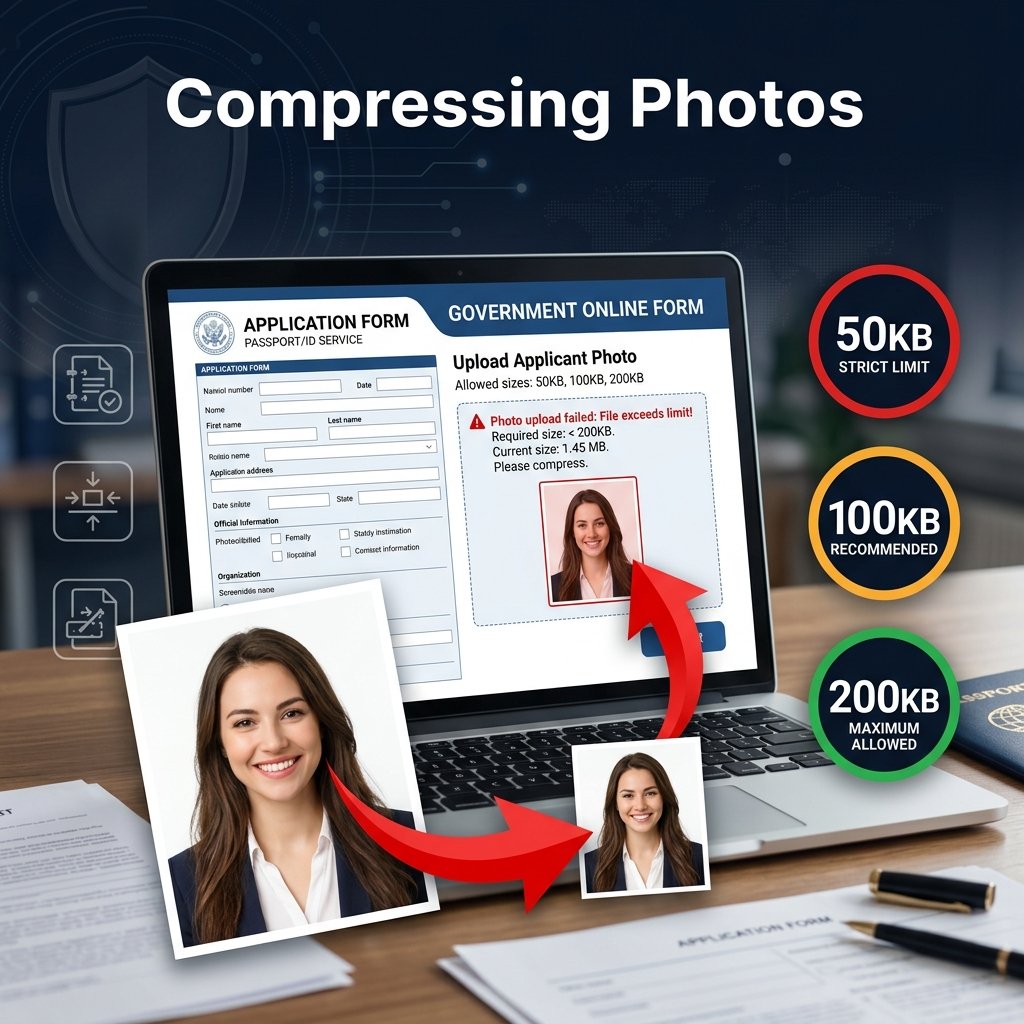
Almost every online form — from government portals to university applications — has a photo file size limit. If your file is too large, you cannot submit. BGImageSnap.com tools help you meet any file size requirement in under a minute, completely free.
What You Need to Check Before Uploading
- Maximum file size (e.g., 50KB, 100KB, 200KB, 500KB)
- Required image dimensions (e.g., 200×230 pixels, 35x45mm)
- Accepted file formats (JPG, PNG)
Step-by-Step: Reduce Photo for Any Online Form
- Check requirements: Note the exact file size limit, dimensions, and format required.
- Resize first: Use our Image Resizer to set the exact pixel dimensions required. Smaller dimensions mean smaller file sizes automatically.
- Convert to JPG: If your image is PNG, convert it using our Format Converter. JPG is much smaller than PNG for photos.
- Compress: Open our Image Compressor and reduce quality until the file reaches your target size.
Common Indian Government Form Photo Requirements
- UPSC Civil Services: 40KB maximum, JPG format, 3.5 x 4.5 cm
- SSC applications: 20KB maximum for photo, 10KB for signature
- Passport Seva Portal: 10-500KB for photo, JPG format
Frequently Asked Questions
My photo is 2MB, how do I reduce it to 100KB?
Use our Image Compressor. Start by converting to JPG with our Format Converter if it is PNG. Then compress at 70-75% quality.
Does reducing file size change image dimensions?
No. Compression reduces file size only. To change pixel dimensions, use our Image Resizer separately.