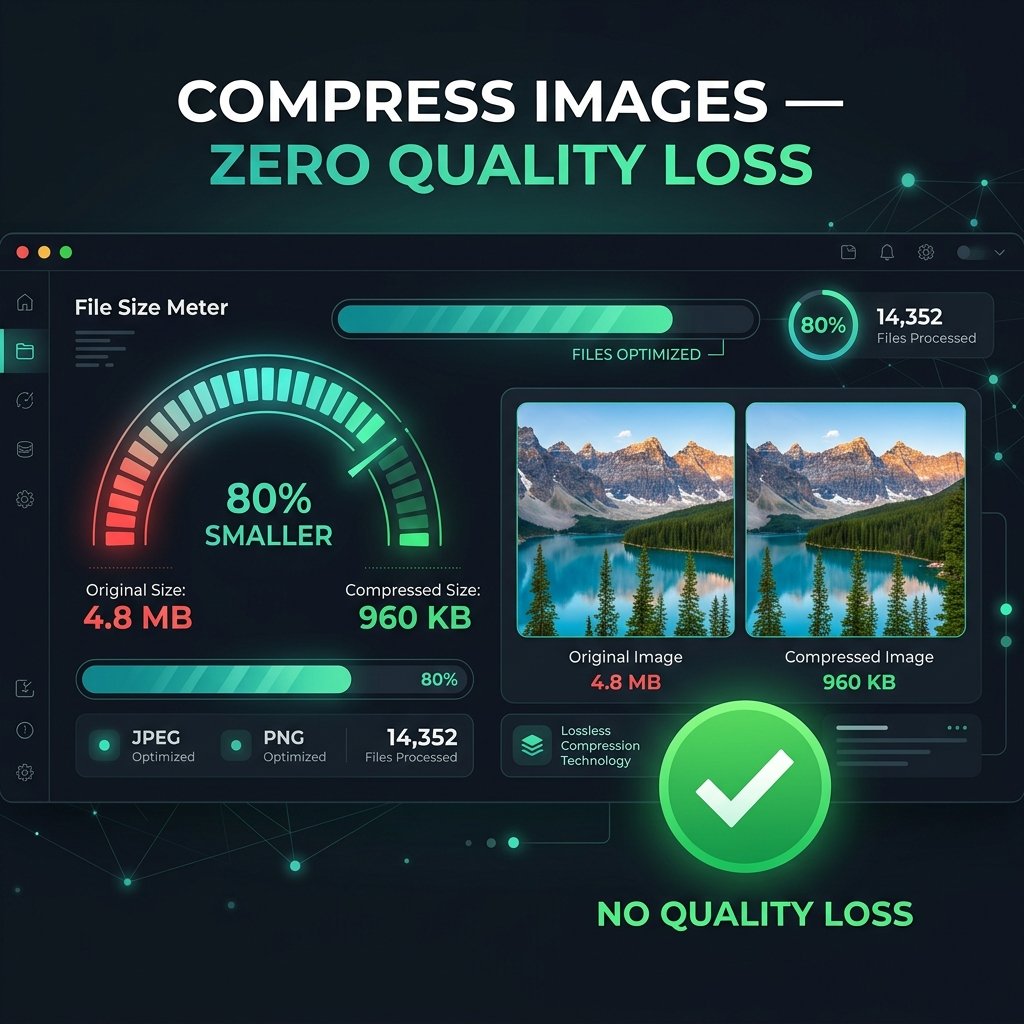
Image compression is one of the most impactful optimizations for web performance, email delivery, and storage. BGImageSnap.com free Image Compressor lets you reduce file sizes by up to 80% — directly in your browser, with no uploads and no visible quality loss.
What Is Image Compression?
Image compression reduces file size by encoding image data more efficiently. There are two main types:
- Lossy compression: Permanently removes some image data to achieve 50 to 80% file size reduction. Used for JPG and WEBP. Best for photographs.
- Lossless compression: Reduces size without removing data by encoding repetitions more efficiently. Used for PNG. Smaller reduction (10 to 30%) but preserves perfect quality.
How Much Can You Compress a JPG Without Losing Quality?
Setting JPG quality between 70 to 80% produces output visually indistinguishable from the original while reducing file size by 50 to 70%. Below 60%, compression artifacts become visible. Our Image Compressor shows real-time size estimates so you can find the perfect balance.
How to Compress Images Online — Step by Step
- Open the Image Compressor on BGImageSnap.com.
- Drag and drop up to 10 images (JPG, PNG, WEBP) onto the upload area.
- Adjust the quality slider to your target file size.
- Click Compress All to batch process all images at once.
- Download files individually or as a ZIP archive.
WEBP: The Best Format for Web Compression
Google WEBP format achieves 25 to 35% smaller files than JPG at equal visual quality. Convert any image to WEBP using our Format Converter, then compress with the Image Compressor for maximum savings.
How Image Compression Improves SEO
Page speed is a confirmed Google ranking factor. Large images are the number one cause of slow page loads. Compressing images reduces Largest Contentful Paint (LCP), improves Core Web Vitals scores, lowers bounce rate on mobile, and reduces server bandwidth costs.
Frequently Asked Questions
Can I compress images in bulk for free?
Yes. Our Image Compressor supports batch compression of up to 10 images simultaneously, completely free with no signup.
Does compression change image dimensions?
No. Compression only reduces file size, not pixel dimensions. To change dimensions, use our Image Resizer.
What is the best format for web images?
WEBP is best for modern browsers. Use JPG for photos and PNG for transparency. Our Format Converter converts between all formats instantly.
Are my images uploaded when I compress them?
No. All compression runs inside your browser using the Canvas API. No images are uploaded to any server.