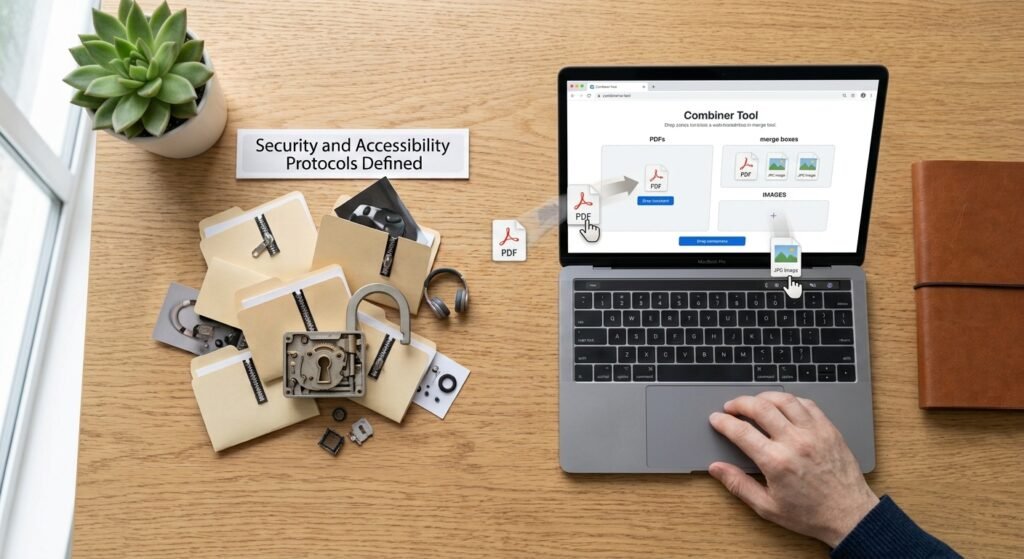
A combiner is any tool that merges two or more separate files into a single file. That could mean stitching product photos side by side joining twelve invoice PDFs into one document or splicing video clips end to end.
The word itself is broad which is exactly why search results for it feel scattered. This guide sorts out what a combiner actually is which type you need how to use one properly and what to fix in your files before you merge them.
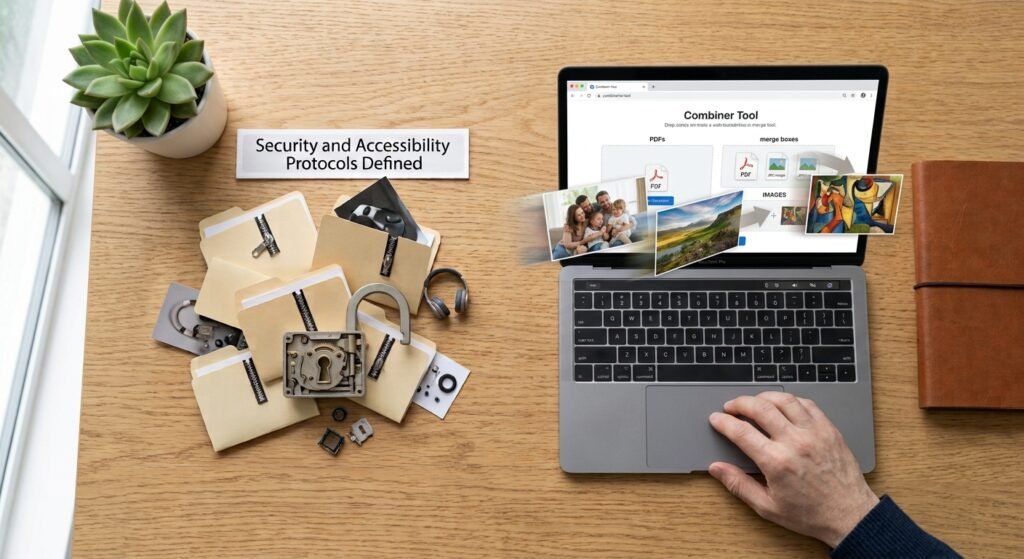
Table of Contents
- What a Combiner Actually Does
- The Main Types of Combiner Tools
- Other Meanings of the Word
- How to Use an Image Combiner Step by Step
- How to Combine PDFs and Video Files
- Combiner Comparison at a Glance
- How to Choose the Right Combiner
- Prepare Your Images Before You Merge Them
- Where AI Fits Into Modern Combiner Tools
- Common Mistakes to Avoid
- Frequently Asked Questions
- Conclusion
What a Combiner Actually Does
At its simplest a combiner takes multiple inputs and produces one output. How it does that depends on the file type.
- Images are placed next to each other on a shared canvas horizontally, vertically, or in a grid.
- PDFs are appended page after page in the order you set.
- Video and audio are concatenated so one clip plays after the next.
- Spreadsheets and CSV files are stacked so rows from every file sit in one sheet.
The distinction matters. An image combiner creates a new canvas. A PDF combiner preserves each original page as is. If you expect an image combiner to keep your files separate and browsable you will be disappointed it flattens everything into one picture.
The Main Types of Combiner Tools
Image Combiner
An image combiner merges photos into one file. Common uses:
- Before and after comparison shots
- Product grids and lifestyle collages for listings
- Screenshot sequences for tutorials
- Social media carousels flattened into a single post image
Key settings to look for: layout direction spacing between images background colour for gaps and output format. PNG preserves transparency; JPG produces smaller files but no transparency.
PDF Combiner
A PDF combiner joins documents in a set order. This is the most common business use merging scanned receipts contracts with signature pages or chapters into one report.
Good PDF combiners let you reorder pages before merging and rotate individual pages. Adobe offers a free browser based merge tool: Adobe Acrobat online Merge PDF
Video Combiner
A video combiner joins clips into one timeline. The critical rule: clips should share the same resolution frame rate and codec. If they do not the tool has to re encode everything which takes longer and can soften quality.
FFmpeg is the free open source standard for this. Its official concatenation guide is here: FFmpeg Wiki Concatenate.
Audio Combiner
An audio combiner merges tracks end to end useful for podcast segments or voice recordings. Watch for volume mismatches between clips most basic combiners will not normalise levels for you.
Data Combiner
A CSV or spreadsheet combiner stacks rows from many files into one table. The one thing to check: every file must have identical column headers in the same order or rows will land in the wrong columns.
Other Meanings of the Word
If you landed here looking for something else here is the short version.
| Context | What “combiner” means there |
|---|---|
| RF and antennas | A passive device that merges multiple radio signals onto one feed line |
| Solar installations | A combiner box that joins several PV string outputs into one circuit |
| Hadoop / MapReduce | An optional step that aggregates mapper output locally before the reduce phase |
| Transformers franchise | Multiple robots that link into one larger figure |
Those are genuinely different subjects with their own documentation. The rest of this guide covers the file merging meaning.
How to Use an Image Combiner Step by Step
Most online image combiners follow the same flow.
- Open the combiner tool in your browser and upload your images. Look for drag and drop support if you have several files.
- Set the order. Drag thumbnails into the sequence you want. Left to right for horizontal layouts top to bottom for vertical.
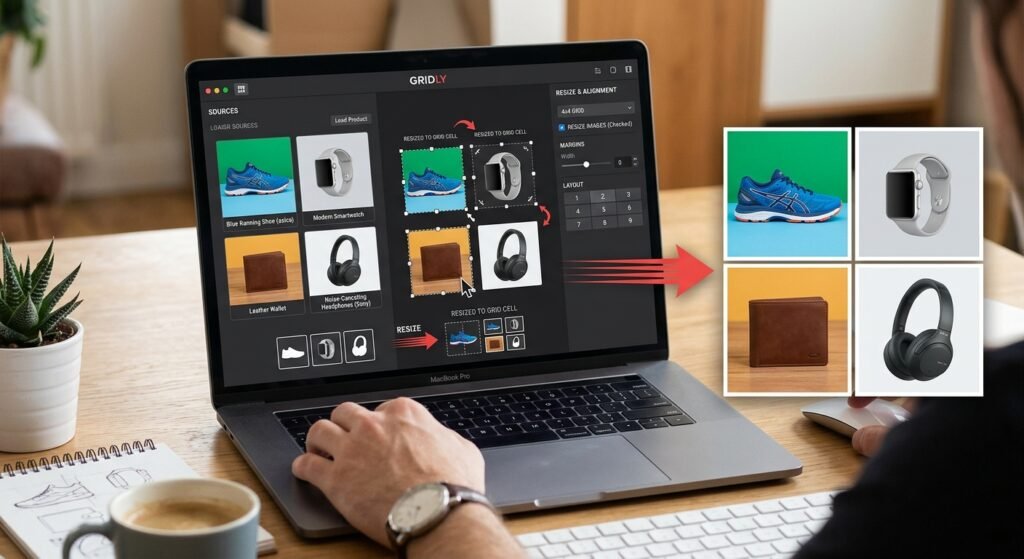
- Choose a layout. Horizontal works for before and after pairs. Vertical suits long screenshots. Grid suits four or more product shots.
- Match the dimensions. If your images are different sizes resize them first. Otherwise the combiner will stretch, crop, or pad them.
- Set spacing and background. A small gap of a few pixels keeps images visually distinct. Set the gap colour to white for clean product layouts.
- Pick the output format. PNG for transparency or sharp text. JPG for photos where file size matters.
- Preview then download. Always check the preview at full size before saving.
How to Combine PDFs and Video Files
For PDFs: upload the documents drag them into order delete any unwanted pages then export. If your PDFs came from scans check the page orientation before merging mixed orientations look sloppy in a combined document.
For video with FFmpeg: create a plain text file listing your clips.
textfile 'clip1.mp4'
file 'clip2.mp4'
file 'clip3.mp4'
Then run:
textffmpeg -f concat -safe 0 -i list.txt -c copy output.mp4The -c copy flag joins the clips without re encoding which is fast and lossless. It only works when all clips share the same format and settings.
For images via command line: ImageMagick handles batch merging well. Its official documentation is at imagemagick.org.
Combiner Comparison at a Glance
| Combiner type | Typical output | Watch out for | Beginner difficulty |
|---|---|---|---|
| Image | Single PNG or JPG | Mismatched dimensions | Easy |
| One multi-page document | Page order and orientation | Easy | |
| Video | One continuous clip | Codec and frame rate mismatch | Moderate |
| Audio | One track | Uneven volume levels | Easy |
| Data | One spreadsheet | Inconsistent column headers | Moderate |
How to Choose the Right Combiner
Ask four questions before picking a tool.
Does it handle my file type natively? A PDF combiner will not merge video. Generic “all in one” converters often do several jobs poorly.
Does it preserve quality? Some free combiners silently re compress your files. Compare the output file against the original at full zoom.
Where does the processing happen? Browser based tools that process locally never upload your file. Server based tools do. For contracts invoices or unreleased product photos this matters.
Is there a file limit? Free tiers often cap the number of files total size or daily uses. Check before you upload thirty images.
Prepare Your Images Before You Merge Them
This is the step most beginners skip and it is why merged images often look amateurish.
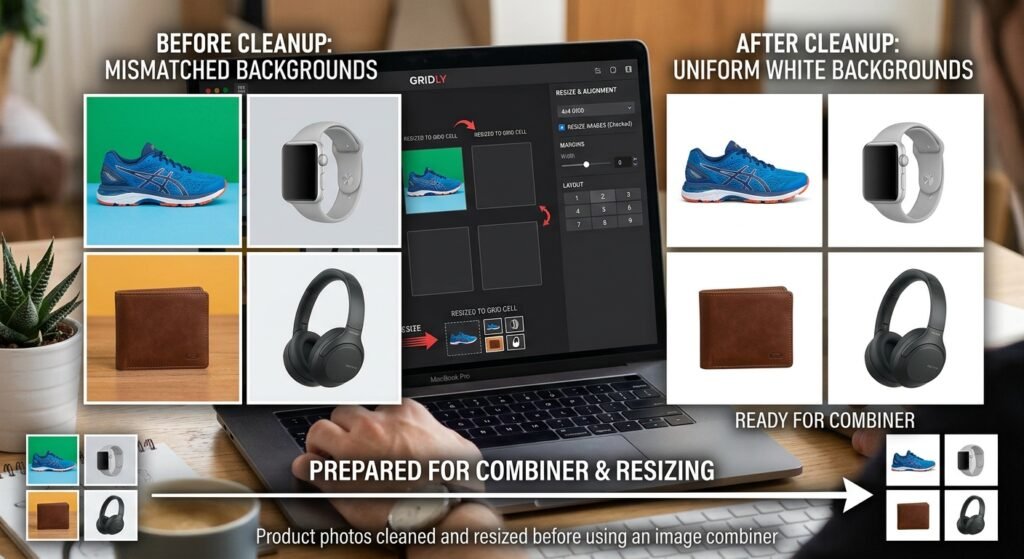
A combiner does not clean anything up. It faithfully preserves every flaw in every input file. If one product photo has a grey background and the next has a beige one the merged result shows both. If one image is 2000px wide and another is 600px the layout will look unbalanced.
Fix these before combining:
- Inconsistent backgrounds. Remove the background from each photo and apply the same white or transparent background across all of them.
- Mismatched sizes. Resize every image to identical dimensions so the grid lines up.
- Uneven lighting or colour. Adjust brightness so photos taken on different days do not clash.
- Low resolution. Upscale weak images before merging not after. Enlarging a merged file degrades everything at once.
BGImageSnap covers this prep work directly background removal white or transparent backgrounds resizing and image quality improvement for product photos.
- BGImageSnap background remover tool
- BGImageSnap image resizer tool
- BGImageSnap guide to transparent PNG backgrounds
Where AI Fits Into Modern Combiner Tools
A quick plain explanation for beginners.
Traditional combining is mechanical. The tool places image A next to image B on a canvas. No decisions are made about content.
AI background removal is different. The model has been trained on huge numbers of labelled photos so it can identify where the subject ends and the background begins including tricky edges like hair fur and glass. You get a cutout in seconds instead of tracing an outline by hand.
AI image generation creates new pixels from a text description. It does not merge your existing files. If you want your actual product photos in the output you need a combiner and an editor not a generator.
The practical workflow for e-commerce looks like this:
- Remove backgrounds from each product shot with an AI tool.
- Resize all cutouts to matching dimensions.
- Place them on a uniform white or transparent background.
- Run them through a combiner to build the final grid or comparison image.
Common Mistakes to Avoid
- Merging before resizing. Fix dimensions first always.
- Using JPG when you need transparency. JPG has no alpha channel. Transparent areas turn white or black.
- Uploading confidential files to unknown web tools. Check the privacy policy or use an offline combiner.
- Deleting originals right after merging. Keep source files until you have confirmed the output at full resolution.
- Ignoring page or clip order. Reorder inside the combiner before exporting not after.
- Combining video clips with different frame rates using a copy only command. The result can desync audio.
Frequently Asked Questions
What does combiner mean?
A combiner is a tool that merges multiple files into one. Most commonly it refers to image, PDF, video, or audio merging software. The word also has separate meanings in electronics solar installations and data processing.
What is the best free combiner for images?
That depends on your needs. Browser based combiners are fastest for one off jobs. ImageMagick or GIMP work offline and handle batches. Specific tool recommendations and current free tiers needs verification.
Is an online combiner safe for private documents?
Only if the tool processes files in your browser or clearly states that uploads are deleted. For contracts ID scans or unreleased product images use offline software instead.
Can a combiner merge different file types together?
Not directly. You cannot merge a JPG and an MP4 into one file. You can however convert images into PDF pages and then use a PDF combiner to join them with other documents.
Does using a combiner reduce image quality?
It can if the tool re compresses the output. Export as PNG for lossless results or set JPG quality to a high value. Merging at the original resolution avoids most quality loss.
How do I combine images into a single PDF?
Convert each image to a PDF page then run them through a PDF combiner. Many PDF tools accept image uploads directly and handle both steps at once.
Can I combine images that have transparent backgrounds?
Yes but export the merged file as PNG. Choosing JPG will fill every transparent area with a solid colour.
What is a combiner in electronics?
In RF and antenna systems a combiner is a passive device that merges multiple signal inputs onto a single output line. It is unrelated to file merging software. Consult manufacturer documentation for specifications.
Conclusion
A combiner solves one specific problem well: turning many files into one. The type you need depends entirely on your file format and the quality of your result depends far more on preparation than on the merging tool itself.
Match your dimensions clean up your backgrounds pick the right output format and check the preview before you export. Do that and almost any decent combiner will give you a professional result.
If your merge involves product photos the prep step is where the real difference is made. BGImageSnap can remove backgrounds apply clean white or transparent backgrounds and resize your images so they line up perfectly once combined.
Start with one product photo in the BGImageSnap background remover then bring your cleaned images into the combiner of your choice.