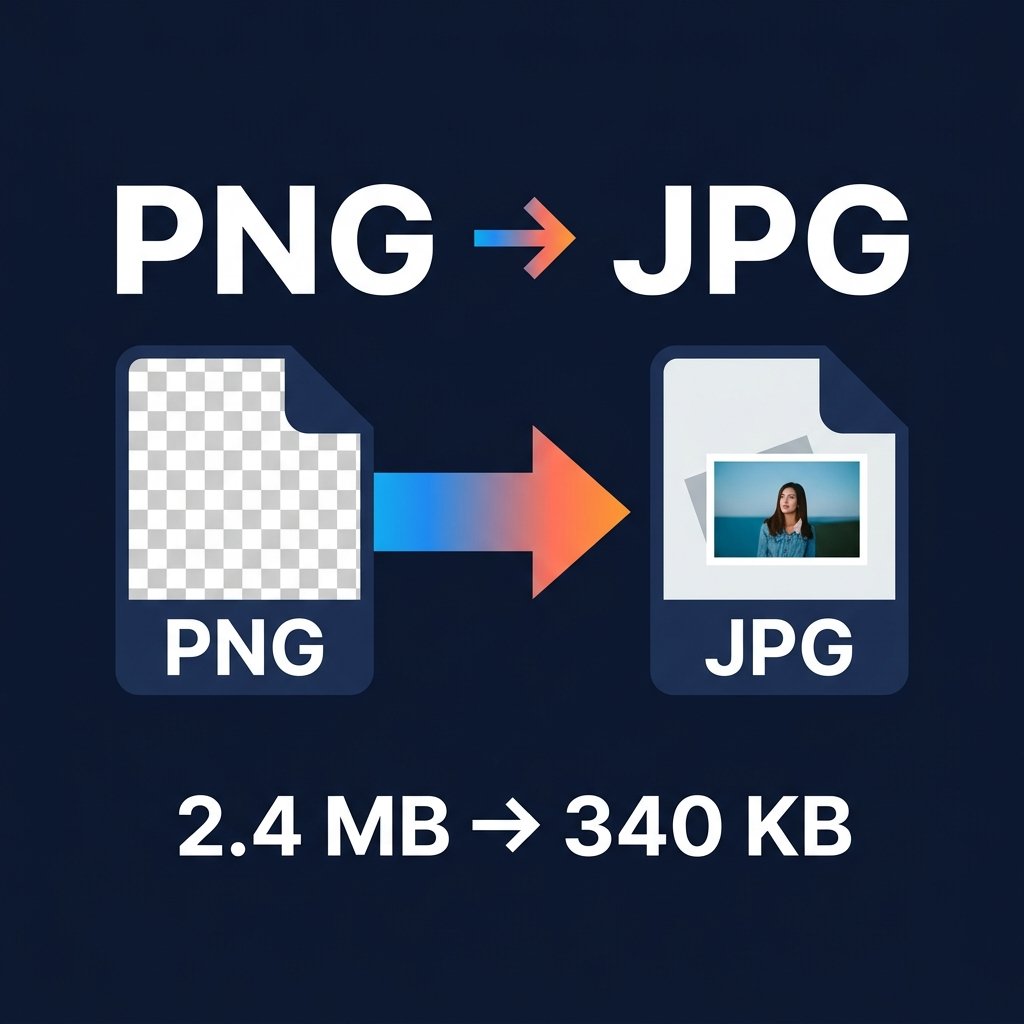
PNG files are often 3-5x larger than the equivalent JPG. Converting PNG to JPG free online is the fastest way to reduce image file size for email, websites, or storage. BGImageSnap.com free Format Converter converts PNG to JPG in your browser — no upload to any server.
Why Convert PNG to JPG?
- File size: JPG is 60-80% smaller than PNG for photographs
- Email: Fits within email provider file size limits easily
- Website speed: Smaller files load faster, improving SEO scores
- Compatibility: JPG is supported by every device, printer, and software
How to Convert PNG to JPG Free — Step by Step
- Open the Format Converter on BGImageSnap.com.
- Drag and drop your PNG file(s) or click to select.
- Select JPG as the output format.
- Click Convert and download your JPG file.
After converting, use our Image Compressor to reduce the JPG further.
Does Converting PNG to JPG Lose Quality?
Converting a high-quality PNG to JPG at 85-90% quality setting produces output visually identical to the original. The difference is only in file size. However, if your PNG has a transparent background, that transparency will be lost in JPG (it will become white).
Frequently Asked Questions
Is PNG to JPG conversion free?
Yes. BGImageSnap.com Format Converter is 100% free with no signup, no watermarks, and no file count limits.
Will transparency be preserved when converting PNG to JPG?
No. JPG does not support transparency. Transparent areas become white. To keep transparency, convert to WEBP or keep PNG format.