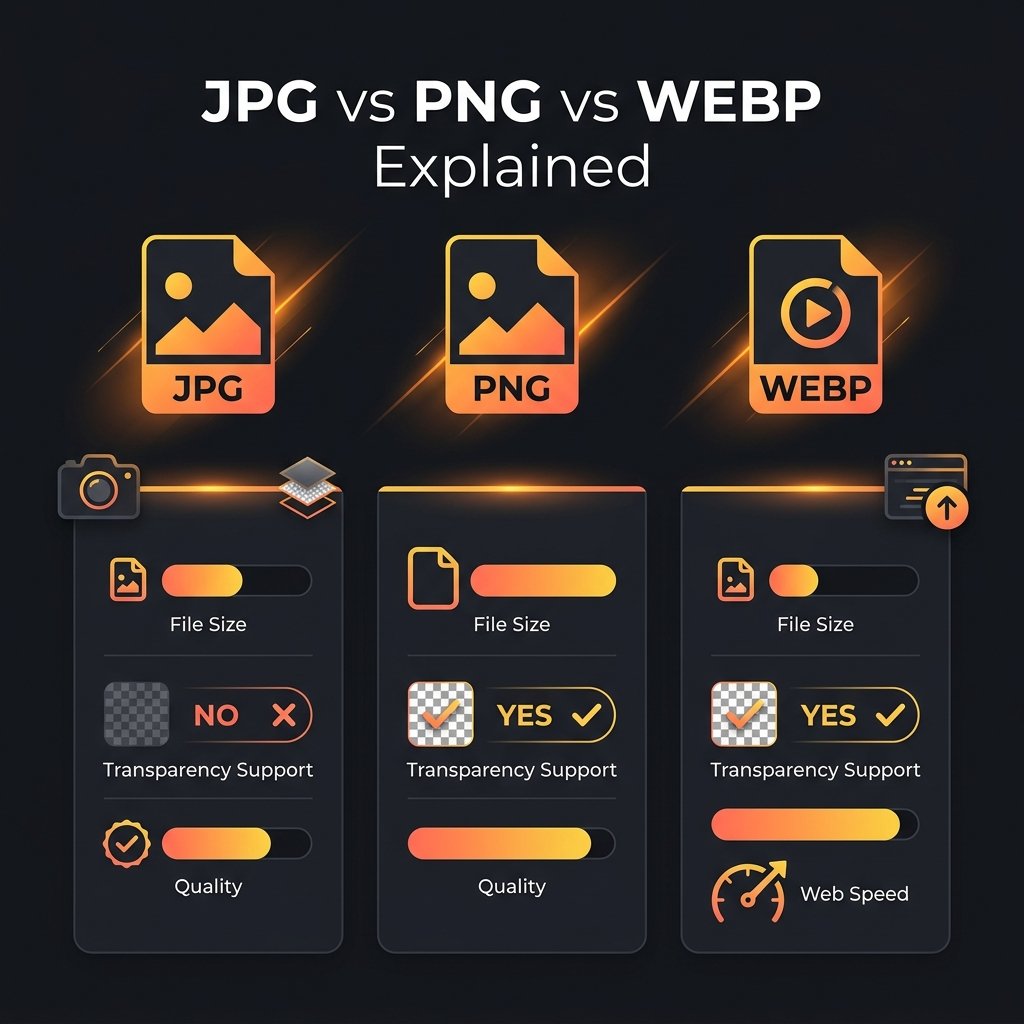
Choosing the right image format affects your website speed, visual quality, storage usage, and compatibility. Here is a complete comparison of the three most common web image formats. Convert between all three instantly using BGImageSnap.com free Format Converter.
JPG (JPEG): Best for Photographs
JPG is a lossy format that discards some image data to achieve small file sizes. It is the most widely supported format worldwide and ideal for:
- Photographs and realistic images with smooth color gradients
- Social media posts and blog featured images
- Email attachments where file size matters
Pros: Small file size, universal support across all devices and software.
Cons: No transparency support, quality degrades with repeated saving, not ideal for text or logos.
PNG: Best for Transparency and Graphics
PNG is a lossless format that stores all original pixel data and supports transparent (alpha channel) backgrounds. It is essential for:
- Logos and brand assets with transparent backgrounds
- Screenshots with sharp text and interface elements
- Passport photos and product images with removed backgrounds — use our Background Remover to create transparent PNGs
Pros: Perfect quality, full transparency support, no degradation on re-saving.
Cons: Larger file sizes than JPG for photographs.
WEBP: Best for Modern Web Performance
Developed by Google, WEBP achieves 25 to 35% smaller files than JPG and PNG at equal visual quality. It supports both transparency like PNG and lossy compression like JPG.
- Use WEBP for: All web images targeting modern browsers (Chrome, Firefox, Edge, Safari 14+)
- Avoid WEBP for: Email attachments, printing, or compatibility with older software
Pros: Smallest file sizes, transparency support, both lossy and lossless modes available.
Cons: Not supported in some older email clients and image editing software.
How to Convert Between Formats Free
Use BGImageSnap.com Format Converter to convert images between JPG, PNG, WEBP, and static GIF in batch, directly in your browser with no server uploads. After converting to WEBP, use the Image Compressor to reduce file size further.
Frequently Asked Questions
Should I convert my website images to WEBP?
Yes, if targeting modern browsers. WEBP smaller file size directly improves Google Core Web Vitals scores and page speed. Convert with our free Format Converter.
Does converting JPG to PNG improve image quality?
No. Converting JPG to PNG does not restore quality lost during original JPG compression. PNG faithfully preserves the current quality but cannot add back what was already removed.
Can I batch convert images between formats?
Yes. Our Format Converter supports batch conversion of up to 10 images at once, completely free with no signup required.
Is WEBP replacing JPG and PNG?
WEBP is increasingly replacing both for web use. However, JPG and PNG remain essential for universal compatibility, printing, and professional workflows. WEBP is the best practical choice for websites today.