
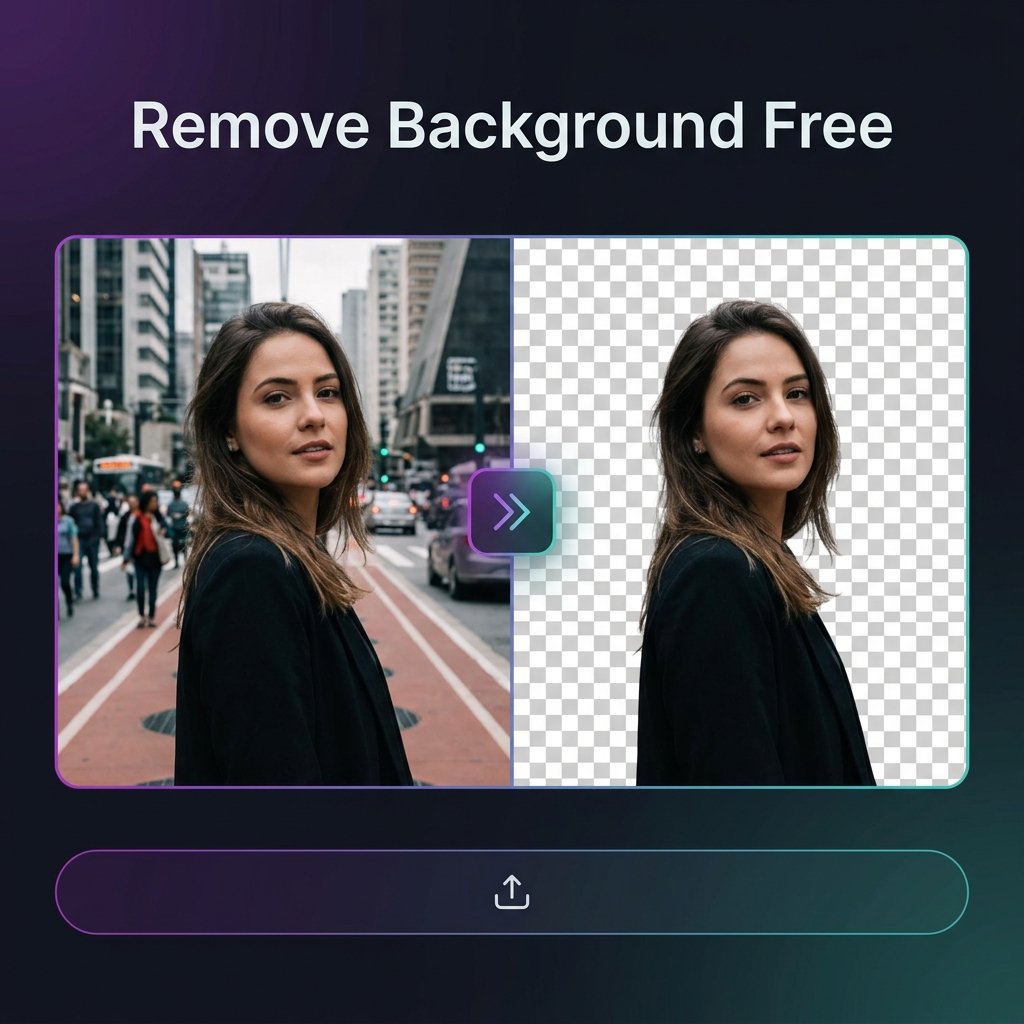
Removing the background from a photo used to require expensive software like Photoshop. Today, you can do it in seconds — completely free — right in your browser. BGImageSnap.com provides a free Background Remover tool powered by client-side AI that processes your image locally, keeping your data 100% private.
What Is Background Removal?
Background removal is the process of separating a subject (person, product, or object) from its surroundings and replacing or deleting the background. The result is typically a transparent PNG file or an image with a solid-color background. Common uses include:
- Profile photos and LinkedIn headshots
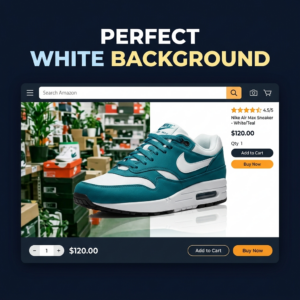
- E-commerce product images on white backgrounds
- Passport and ID photos with required official backgrounds
- Marketing banners and social media graphics
How to Remove Background from Image Free — Step-by-Step
Follow these three steps to get a clean, transparent cutout in under 10 seconds:
- Open the tool: Go to our Background Remover.
- Upload your image: Drag and drop or click to select a JPG, PNG, or WEBP file from your device.
- Download your result: The AI detects the subject and removes the background. Click Download PNG to save your transparent image.
You can also replace the background with solid white, light blue, light grey, or apply a custom blur — all without any server uploads.
How Does the Background Remover Work?
BGImageSnap.com uses the MediaPipe Selfie Segmentation model, running entirely inside your browser via WebAssembly. No image is ever uploaded to a server, processing happens instantly on your device, and no data is stored or logged. This makes it ideal for sensitive images such as passport photos, medical images, and corporate headshots.
Best Tips for Clean Background Removal Results
- Use images with good contrast between subject and background
- Ensure the subject is well-lit and in focus
- Avoid busy, cluttered backgrounds for sharper subject edges
- After removal, use our Passport Photo Maker to add official ID backgrounds
- Resize the output with our Image Resizer or reduce file size with our Image Compressor
Frequently Asked Questions
Is the background remover completely free?
Yes. BGImageSnap.com Background Remover is 100% free with no hidden costs, no account required, and no watermarks on downloaded images.
What file formats are supported?
You can upload JPG, PNG, and WEBP images. The output is always a high-resolution transparent PNG.
Are my photos uploaded to a server?
No. All processing happens locally in your browser using WebAssembly. Your image never leaves your device.
Can I remove the background from a product photo?
Yes. The tool works on any image with a clear subject — people, products, animals, and objects. For best results, use a photo with a contrasting background.
What should I do after removing the background?
Download the transparent PNG, then use our Image Compressor to reduce file size, or our ID Photo Grid Maker to arrange multiple copies for printing.

[…] How to Remove a Background From an Image […]