Quick Answer / Key Takeaways
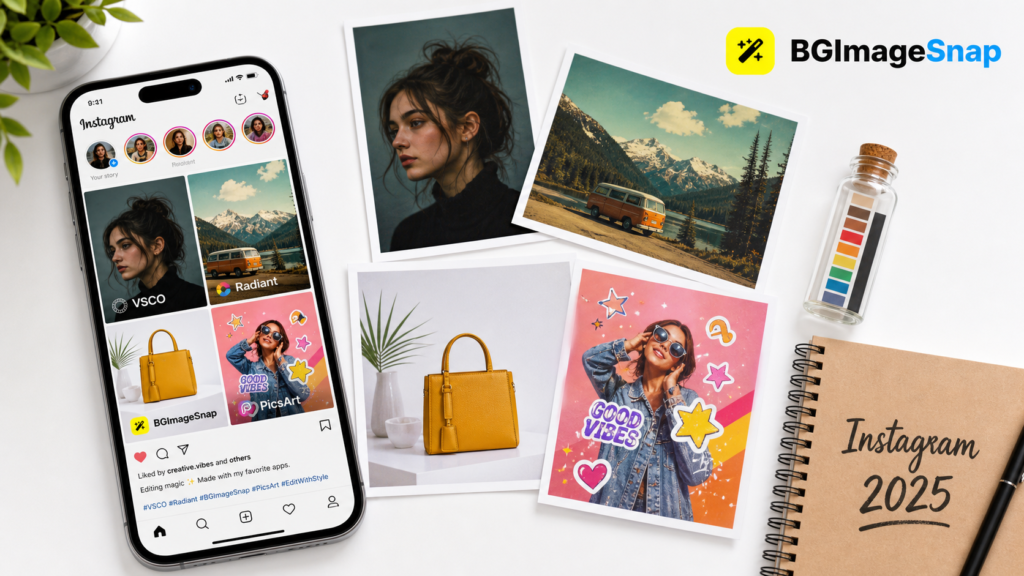
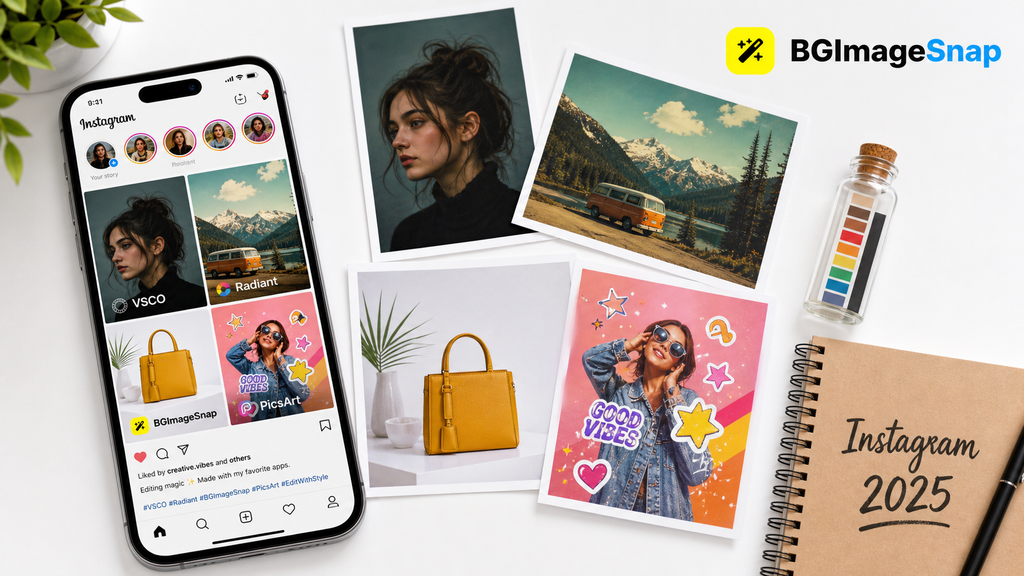
- Best overall: VSCO – professional grade edits with a vast filter library
- Best for beginners: Snapseed – intuitive easy to use and free
- Best for stories: PicsArt – creative stickers, text and animated effects
- Best for batch editing: Lightroom – edit multiple photos quickly
- Best for vintage aesthetics: Radiant – retro filters and film grain effects
Why Use Instagram Picture Editing Apps?
The Power of a Polished Feed
Instagram is a platform where first impressions matter. A well curated aesthetically pleasing feed can:
- Increase engagement (likes, comments, saves)
- Attract brand collaborations
- Build a strong personal brand
- Grow your follower base organically
But here’s the truth: not every photo will be perfect. That’s where Instagram picture editing apps come in. These apps offer everything from basic adjustments (like brightness and contrast) to advanced tools (like selective color editing and AI powered enhancements).
Whether you’re a travel blogger food photographer or lifestyle influencer the right app can turn a good photo into a standout post.
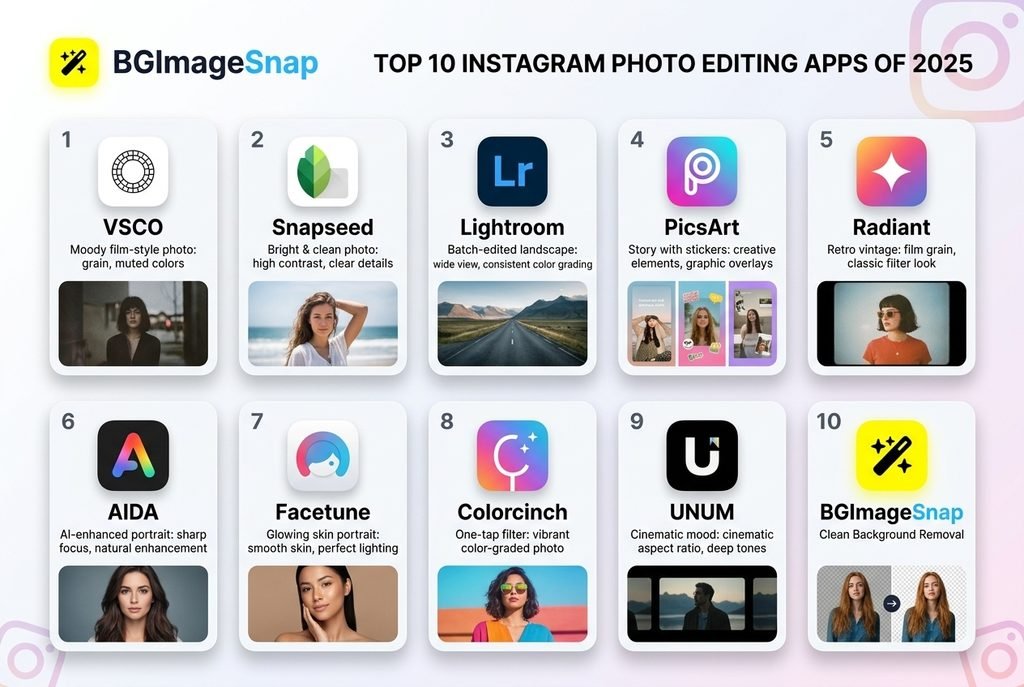
The 10 Best Instagram Picture Editing Apps in 2026
Below is a curated list of the top Instagram picture editing apps that dominate the market in 2026 and why they’re worth your attention.
1. VSCO (Best Overall)
Best For: Professional grade edits moody filters and cinematic looks
Platform: iOS, Android
Price: Free with premium features ($19.99/month)
Why It’s Great:
- Massive library of handcrafted filters
- Advanced tools like curves selective color and grain effects
- Smooth intuitive interface for both beginners and pros
Best Use Case:
If you want your photos to look like they were shot on film or edited in a professional studio VSCO is your go to.
2. Snapseed (Best for Beginners)
Best For: Easy to use drag and drop editing
Platform: iOS, Android
Price: Free
Why It’s Great:
- Simple visual sliders for brightness, contrast, saturation, and more
- Selective editing to tweak specific areas of a photo
- Built in filter presets for quick transformations
Best Use Case:
Perfect for anyone new to photo editing who wants fast beautiful results without a steep learning curve.
3. Lightroom (Best for Batch Editing)
Best For: Editing multiple photos in one go
Platform: iOS, Android
Price: Free with optional Adobe Creative Cloud subscription
Why It’s Great:
- Batch editing – apply the same adjustments to a group of photos
- Powerful RAW editing capabilities
- Syncs across devices if you use Lightroom on your desktop
Best Use Case:
Ideal for influencers or creators who post daily and need to edit large volumes of photos quickly.
4. PicsArt (Best for Stories & Creative Effects)
Best For: Adding stickers text and animated effects to stories
Platform: iOS, Android
Price: Free with premium content ($29.99/year)
Why It’s Great:
- Massive library of stickers GIFs and text templates
- Collage maker and background remover
- Fun animated effects for Instagram Reels and Stories
Best Use Case:
Best for lifestyle influencers meme creators or anyone who wants to add a playful engaging touch to their stories.
5. Radiant (Best for Vintage Aesthetics)
Best For: Retro film style filters and grain effects
Platform: iOS
Price: Free with in app purchases
Why It’s Great:
- Unique vintage filters inspired by old film cameras
- Film grain overlay and light leaks for a nostalgic feel
- Easy to use interface with smooth transitions
Best Use Case:
If your feed has a retro or minimalist aesthetic Radiant will help you maintain that vibe.
6. AIDA (Best AI-Powered App)
Best For: AI enhanced photo editing
Platform: iOS, Android
Price: Free with premium features ($9.99/month)
Why It’s Great:
- AI powered background remover
- Smart subject selection for portraits
- One tap enhancements that adjust lighting color, and clarity
Best Use Case:
Great for influencers who post a lot of portraits or product photos and want quick polished edits.
7. Facetune (Best for Portraits)
Best For: Enhancing facial features in portraits
Platform: iOS, Android
Price: $139.99/year
Why It’s Great:
- Skin smoothing, blemish removal and eye brightening
- Facial contouring and nose slimming tools
- Portrait lighting adjustments for studio quality photos
Best Use Case:
Perfect for fashion influencers beauty bloggers and anyone who frequently shares portraits or selfies.
8. Colorcinch (Best One Tap Filters)
Best For: Quick stylish filters with minimal effort
Platform: iOS, Android
Price: Free with premium filters ($4.99/month)
Why It’s Great:
- One tap filters that instantly elevate your photos
- Color matching to ensure consistency across your feed
- Light editing tools for fine tuning
Best Use Case:
If you want a consistent stylish look across your feed without spending hours editing Colorcinch is perfect.
9. UNUM (Best for Mood and Atmosphere)
Best For: Enhancing the mood and atmosphere of photos
Platform: iOS
Price: $4.99/month
Why It’s Great:
- Atmospheric filters that add depth and emotion
- Lighting enhancements for dramatic cinematic shots
- Color grading tools for creators who love storytelling through visuals
Best Use Case:
Ideal for travel photographers landscape lovers and creators who want their photos to tell a story.
10. BGImageSnap (Best for Background Editing)
Best For: Quick background removals and replacements
Platform: Web, iOS, Android
Price: Free with premium features
Why It’s Great:
- One click background remover
- Custom background library
- Easy to use for e-commerce, portraits and product photos
Best Use Case:
If you’re selling products on Instagram Shop or need clean distraction free portraits BGImageSnap is a must have.
How to Choose the Right App for Your Style
Ask Yourself These Questions
- What’s your editing skill level?
- Beginner? Try Snapseed or Colorcinch
- Advanced? Go with VSCO or Lightroom
- What type of content do you post?
- Portraits? Use Facetune or AIDA
- Landscapes? Try UNUM or Radiant
- Stories? Pick PicsArt
- How much time do you have?
- Quick edits? Use Colorcinch or BGImageSnap
- In-depth editing? Choose VSCO or Lightroom
- Do you need batch editing?
- If you post daily Lightroom is your best bet.
Step-by-Step: Editing Your First Photo
Using Snapseed (Beginner Friendly)
Step 1: Open the App & Import Your Photo
Tap “+” to select a photo from your gallery.
Step 2: Choose a Filter
Start with a filter that matches your aesthetic try “Drama” or “Classic”.
Step 3: Adjust Sliders
Tweak brightness, contrast saturation and sharpening to your liking.
Step 4: Use Selective Editing
Tap “Selective” to adjust specific areas brighten the sky or darken the shadows.
Step 5: Save & Export
Save the edited photo and upload it directly to Instagram.
Pros and Cons of Popular Instagram Picture Editing Apps
| App | Pros | Cons |
|---|---|---|
| VSCO | Professional tools huge filter library | Premium features cost money |
| Snapseed | Easy to use, free | Limited batch editing |
| Lightroom | Batch editing RAW support | Requires Adobe subscription |
| PicsArt | Great for stories fun stickers | Can be overwhelming for beginners |
| BGImageSnap | One-click background remover | Limited advanced tools |
Common Mistakes to Avoid
- Over-editing Don’t fall in love with every slider. Subtlety is key.
- Inconsistent editing Use the same filters and adjustments across posts for a cohesive feed.
- Ignoring mobile screen sizes Make sure your edits look good on small screens.
- Using low quality images Even the best app can’t fix a blurry or pixelated photo.
- Neglecting metadata Some apps compress images and reduce quality always check before posting.
FAQs
1. Are free Instagram picture editing apps good enough?
Yes! Apps like Snapseed Colorcinch and BGImageSnap offer powerful tools at no cost.
2. Can I use the same app for all my Instagram content?
It depends on your needs. For example use VSCO for feed posts and PicsArt for stories.
3. Do these apps support Instagram Reels editing?
Yes many apps like PicsArt and AIDA allow you to edit videos for Reels.
4. How do I keep my Instagram feed consistent?
Use the same filter or color grading across all your photos apps like Colorcinch help with this.
5. Which app is best for removing backgrounds from product photos?
BGImageSnap offers a one-click background remover perfect for e-commerce.
6. Is Lightroom better than VSCO?
It depends Lightroom is better for batch editing and RAW files while VSCO offers more stylized filters.
7. Can I edit Instagram carousel posts with these apps?
Yes all these apps allow you to edit multiple photos perfect for carousels.
8. How often are these apps updated?
Most top apps update monthly or biweekly to add new features and improve performance.
Conclusion
Choosing the right Instagram picture editing apps can transform your feed from ordinary to extraordinary. Whether you’re a beginner looking for quick edits or a pro aiming for cinematic visuals there’s an app for every style and need. From VSCO’s professional grade filters to BGImageSnap’s one click background remover the tools are out there all you need is a little creativity.