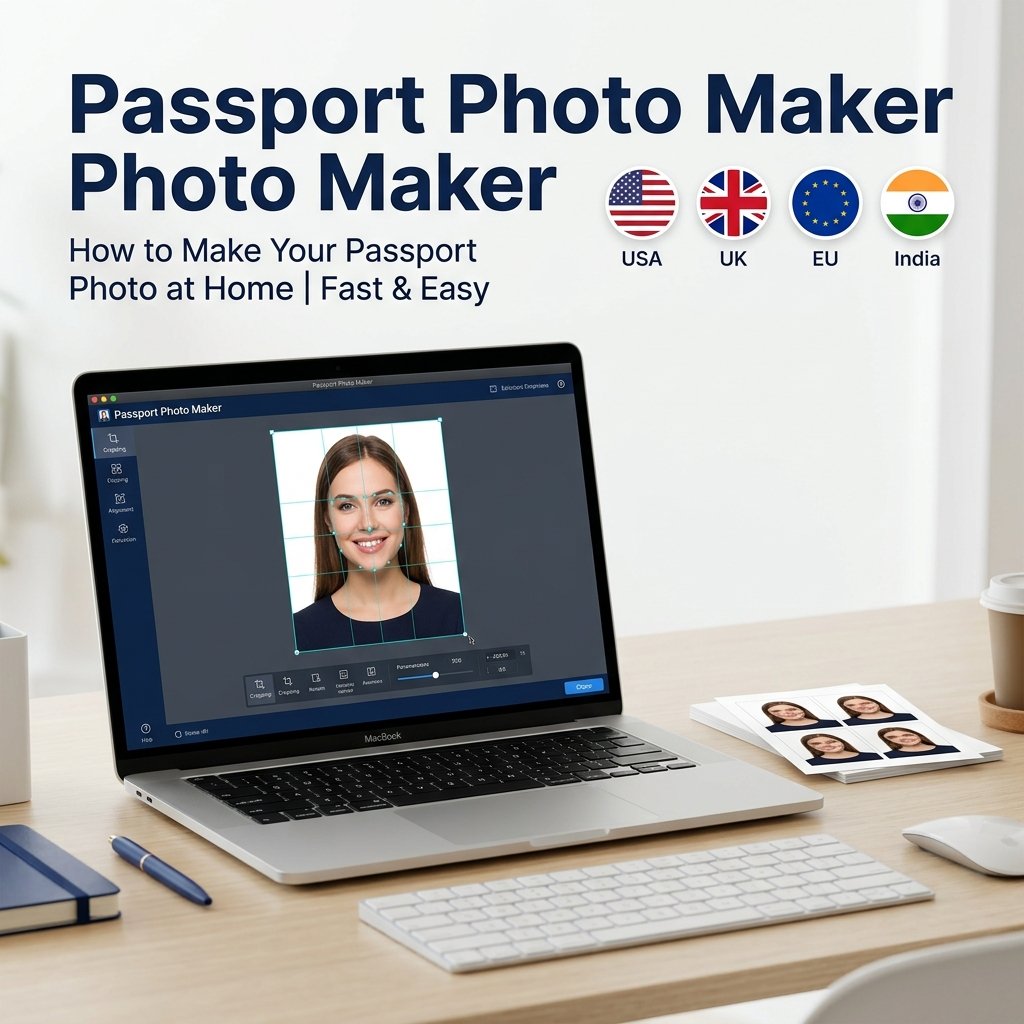
Taking a passport photo at home is easier than most people think. With BGImageSnap.com free Passport Photo Maker, face detection automatically crops and sizes your photo to the exact specifications for over 50 countries — no photo studio required.
Passport Photo Size Requirements by Country
- United States (US): 2×2 inches (51×51 mm) at 300 DPI. Head must be 1 to 1.375 inches tall.
- United Kingdom (UK): 35×45 mm. Head height 29 to 34 mm. Plain light grey or cream background.
- European Union (Schengen): 35×45 mm. White background, neutral expression.
- India: 51×51 mm or 35×45 mm depending on document type. White background.
- Canada: 50×70 mm. Plain white or off-white background.
Our Passport Photo Maker has presets for all these standards. Select your country and the tool sizes and crops automatically.
How to Take a Perfect Passport Photo at Home
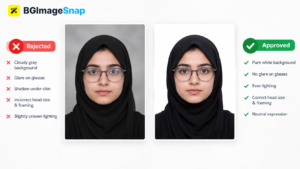
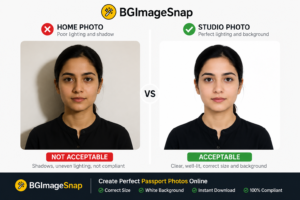
- Set up your background: Use a plain white wall or hang a white sheet. Even daylight lighting is essential — face a window for best results.
- Frame your shot: Use a timer or ask someone to help. Face the camera directly, mouth closed, neutral expression, eyes open and looking forward.
- Upload to our tool: Open the Passport Photo Maker, select your country, and upload your photo.
- Auto face crop: The tool uses face-api.js to locate your face and crop to exact required dimensions.
- Set the background: Use our Background Remover to replace the background with official white or light blue.
- Print: Download at 300 DPI and use our ID Photo Grid Maker to print multiple copies on a 4×6 inch sheet.
Common Passport Photo Mistakes to Avoid
- Wearing glasses (rejected in most countries since 2016)
- Smiling or showing teeth
- Shadows on the face or background
- Head tilted or rotated
- Hair covering the eyes or face
- Wrong DPI or incorrect file dimensions
Frequently Asked Questions
Can I use my phone camera for a passport photo?
Yes. Modern smartphones produce more than sufficient quality for passport use, provided you follow the framing, lighting, and background requirements above.
What background color is needed for a US passport photo?
US passport photos must have a plain white or off-white background. Use our Background Remover to remove and replace your background before using the Passport Photo Maker.
How do I print 6 passport photos on one sheet?
Use our ID Photo Grid Maker to arrange multiple copies on a print-ready sheet with dashed cut-guide lines included.
Does the tool store my photos?
No. All face detection and cropping runs entirely in your browser using JavaScript. No data is sent to any server.