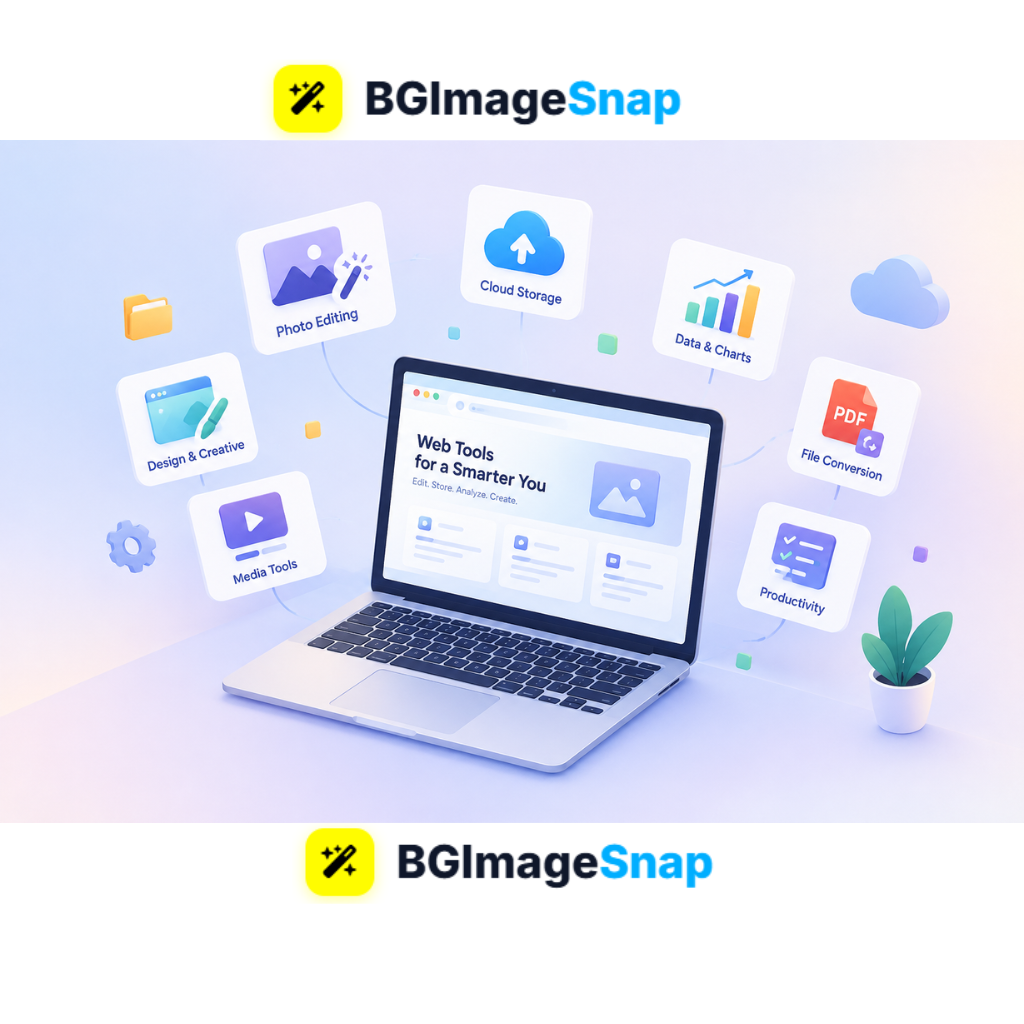
Installing heavy desktop software for simple digital jobs slows down your computer and drains your productivity. Modern applications of web tools solve this challenge by allowing anyone to edit images, manage data, and collaborate straight from a web browser without installing anything. With instant browser solutions like Bgimagesnap, complex digital tasks are now accessible to everyone in seconds.
Key Takeaways
- Practical applications of web software replace bulky desktop programs with fast, browser accessible alternatives.
- Cloud powered web applications run directly in Chrome, Safari, Edge, or Firefox without requiring manual updates.
- Popular web tools handle everything from image background removal and photo editing to file conversion and team collaboration.
- Online tools protect storage space, reduce hardware costs, and allow seamless access across all devices.
- Bgimagesnap showcases how dedicated browser tools simplify media editing for daily personal and professional use.
What It Does and How It Work
Web applications are software programs that run inside an internet browser rather than being installed on your local computer hard drive. When you use web based tools, your browser communicates directly with a cloud server or processes tasks instantly on your device using client side scripts. This modern approach eliminates the need for installation disks, setup wizards, and ongoing storage clutter.
Behind the scenes, modern applications of web technology rely on standard web languages such as HTML5, CSS3, and JavaScript, paired with powerful frameworks like WebAssembly. When you perform a task such as erasing an image background or compressing a photo the tool handles the computation either on the remote server or right inside your browser memory. You get instant results without exhausting your computer’s CPU or battery.
Unlike old fashioned programs that forced users to pay for upgrades or download large setup packages, browser apps update automatically in the cloud. Every time you open your browser and visit the site, you immediately access the newest features and security patches. This seamless delivery makes modern applications of web software accessible to anyone with an internet connection, regardless of whether they use a high end laptop or a budget smartphone.
Key Categories and Applications of Web Tools Today
The reach of internet based software expands every year into nearly every aspect of work and education. Below is a detailed breakdown of the most critical types and features of web applications used today.
Core Categories of Browser Based Applications
- Media Editing & Graphic Design: Browser apps allow creators to edit photos, remove backgrounds, resize dimensions, convert file types, and create banners without expensive graphics suites.
- Office Productivity & Document Collaboration: Cloud word processors, spreadsheets, and presentation decks allow multiple team members to edit identical files simultaneously in real time.
- E-Commerce & Digital Storefronts: Modern applications of web platforms let merchants manage customer orders, process digital payments, track shipments, and showcase catalog photos.
- Communication & Video Conferencing: Messaging and meeting applications run smoothly within browser tabs, eliminating the requirement for separate desktop chat clients.
- Cloud Storage & File Management: Online file lockers let users store, organize, preview, and share documents safely from any device with an active connection.
- Data Analytics & Dashboard Monitoring: Web tools collect real time data, display visual metrics, and export reporting charts for businesses of all sizes.
Web Applications vs. Traditional Desktop Software
| Evaluation Metric | Modern Applications of Web Tools | Traditional Desktop Software |
|---|---|---|
| Installation Requirement | Zero installation; runs directly in browser | Requires manual installer download and setup |
| System Storage Use | Minimal to none; data resides in the cloud | Consumes gigabytes of local storage space |
| Device Accessibility | Works on PC, Mac, Chromebook, and mobile | Typically limited to one operating system |
| Software Updates | Handled automatically in real time | Requires manual patch downloads and restarts |
| Hardware Demands | Runs smoothly on low end and budget devices | Demands fast processors and dedicated memory |
| Cost & Licensing | Often free or low cost subscription model | High upfront purchase fees or costly licenses |
| Collaboration Capability | Instant sharing and multi user live editing | Requires exporting and emailing file versions |
Supported Standards and Technical Features
High performance applications of web platforms support a broad range of standard file extensions, device environments, and data protocols:
- Supported Image & Graphic Formats: PNG, JPG, JPEG, WebP, SVG, GIF, BMP, and TIFF.
- Supported Document Types: PDF, DOCX, XLSX, CSV, and plain TXT.
- Cross Browser Compatibility: Full operational support on Google Chrome, Apple Safari, Mozilla Firefox, Microsoft Edge, and Opera.
- Security & Privacy Standards: 256 bit SSL/TLS transport encryption, local in browser caching, automatic temporary file deletion, and GDPR compliance.
- Responsive Mobile Layouts: Fluid layouts optimized for touch interaction on tablets and smartphones.
How to Use Modern Web Applications Step by Step
Using web applications is simple because they do not require complex configurations or administrative privileges. Follow these straightforward steps to run browser based tools effectively:
Step 1: Open Your Preferred Web Browser
Launch any modern web browser on your computer, tablet, or smartphone. Ensure your browser is up to date so it can handle modern web technologies like WebAssembly and HTML5 canvas processing.
Step 2: Navigate to the Web Tool URL
Enter the website address of the service you want to use, such as visiting Bgimagesnap for image editing. The application loads instantly on your screen without triggering installer popups or system security warnings.
Step 3: Upload Your File or Input Your Data
Drag and drop your file into the designated upload zone, or click the upload button to select a file from your device. Many modern applications of web utilities process media directly inside your browser cache to ensure optimal speed and privacy.
Step 4: Apply Your Edits or Actions
Select your desired action, such as removing a background, resizing dimensions, or applying filters. The browser tool executes the command immediately and displays a live interactive preview of the outcome.
Step 5: Download or Export the Final Result
Click the download button to save the completed file directly to your local storage folder. You can immediately share the exported file, upload it to your website, or drop it into a presentation deck.
Real Use Cases Who Relies on Web Applications and Why
The diverse applications of web services make them invaluable across a wide range of industries, learning environments, and daily personal routines.
1. E-Commerce Merchants and Store Owners
Online sellers on platforms like Shopify, Amazon, and Etsy need crisp, professional product listings to attract buyers. Instead of buying expensive desktop photo studios, merchants use online background removers and compressors to prepare clear product catalog shots. These browser utilities allow sellers to upload, enhance, and export dozens of product photos in minutes.
2. Freelancers and Independent Graphic Designers
Freelancers often work from coffee shops, co working offices, or client sites using portable laptops. Reliable applications of web platforms allow designers to convert image formats, create social media graphics, and generate client proofs without draining their battery life. They can jump between devices seamlessly since their toolset lives conveniently inside the cloud.
3. Students and Academic Researchers
Students frequently work on school issued Chromebooks or shared library computers that restrict software installations. Cloud word processors, online citation generators, and web based image resizers give students full creative capability without administrator permissions. They can complete complex homework assignments, design slides, and format research papers directly inside their browser.
4. Small Business Operators and Startup Teams
Small business owners must keep overhead costs low while maintaining fast operational workflows. Rather than paying expensive software license fees for every employee, companies rely on secure web based billing, media processing, and team communication dashboards. This approach keeps operations nimble, cost effective, and easy to scale as team sizes expand.
Practical Tips for Getting the Best From Web Applications
To ensure a smooth, fast, and secure experience while using different applications of web platforms, keep these expert tips in mind:
- Keep your browser updated. Running the latest version of Chrome, Safari, or Firefox guarantees you have the fastest JavaScript engine and the newest security protections.
- Clear cache when experiencing glitches. If a web app seems slow or fails to process a file, clear your browser cache and refresh the page to load fresh assets.
- Bookmark essential online tools. Organize your most frequently used browser utilities into dedicated bookmark folders for instant one click access throughout your workday.
- Check internet stability for cloud uploads. When using web tools that upload large assets to external servers, ensure you have a stable network connection to avoid interrupted transfers.
- Verify platform privacy policies. Always use reputable online services that process files securely and delete temporary assets automatically after download.
- Leverage keyboard shortcuts. Most productive applications of web software support standard keyboard shortcuts that dramatically accelerate your daily editing speed.
- Enable hardware acceleration in browser settings. Turning on hardware acceleration allows your web browser to use your computer graphics card for smoother photo and video processing.

Frequently Asked Questions
What are the primary applications of web technology today?
The most common applications of web technology include online image editors, cloud office suites, e commerce stores, streaming services, and real time collaboration dashboards. These tools allow users to accomplish tasks inside a standard browser without installing traditional desktop software.
Are applications of web tools safe for sensitive files?
Yes, trustworthy web applications use advanced SSL encryption and secure communication channels to protect your files. Many modern utilities, like client side photo editors, process your images directly in your local browser memory so your data never touches an external server.
Can web applications work when offline?
Many progressive web applications (PWAs) feature offline functionality using browser service workers. While online processing offers complete feature access, offline web tools still allow you to edit documents, view stored records, and prepare drafts without an active internet connection.
Why are applications of web tools replacing traditional desktop software?
Web based tools are replacing desktop software because they require no local installation, update automatically, and work seamlessly across Windows, Mac, Linux, iOS, and Android. They also drastically reduce licensing expenses and save valuable storage space on user devices.
Do I need a high end computer to run web applications?
No. One of the greatest advantages of web applications is that the heavy processing takes place in the cloud or via optimized browser engines. Even lightweight laptops, tablets, and budget smartphones can effortlessly run modern browser tools.
Conclusion
The widespread applications of web platforms have fundamentally changed how individuals and businesses create, edit, and collaborate online. By moving powerful digital tools into the browser, users can bypass heavy software installations, reduce storage consumption, and work efficiently from any location. Ready to experience effortless browser editing? Visit bgimagesnap today to test our free suite of online image tools and streamline your creative workflow in seconds!