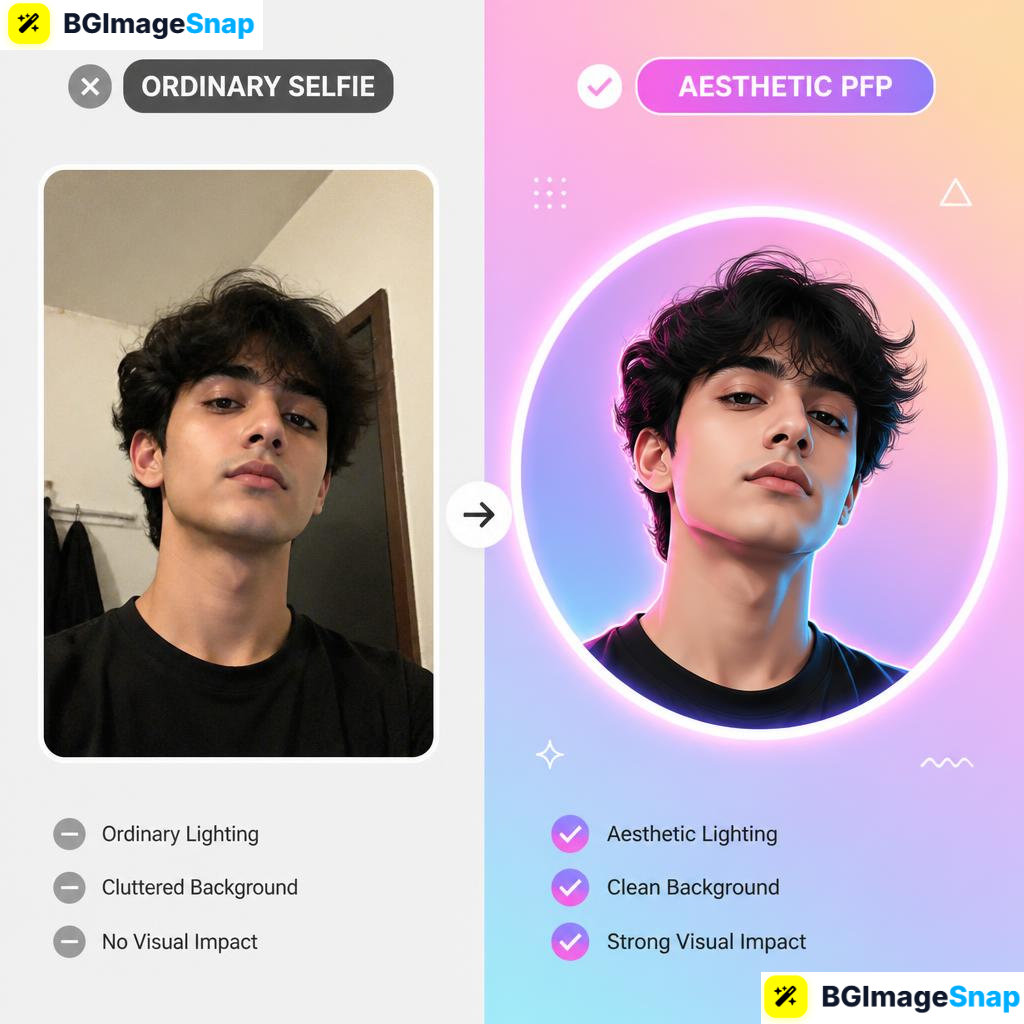
A plain selfie or cluttered photo rarely stands out in crowded social media feeds and chat apps. Creating an aesthetic PFP helps you showcase your personal brand, match current visual trends, and look professional across every platform. In this guide, you will learn how to turn any standard photo into a clean, stylish profile picture using free online tools.
Key Takeaways
- An aesthetic PFP combines clear subject isolation, balanced color tones, and custom background graphics to create a memorable avatar.
- Removing messy photo backgrounds is the essential first step to building a custom profile picture.
- Popular aesthetics include minimalist pastel backgrounds, dark synthwave tones, vintage film textures, and vibrant neon gradients.
- Social media platforms require different profile picture dimensions and circular framing rules.
- Free web tools at bgimagesnap allow you to cut out subjects, crop ratios, and edit photos without complex design software.
What Is an Aesthetic PFP and How Do You Make One?
An aesthetic PFP (profile picture) is a custom digital avatar designed to look visually appealing, cohesive, and expressive. Unlike standard snapshots, an aesthetic avatar uses color harmony, artistic lighting, clean cropping, and thoughtful backdrops to project a unique online identity.
Creating one starts with separating your main subject — usually your face, body, pet, or character icon — from distracting background noise. Once you isolate the subject, you gain complete freedom to place yourself over artistic patterns, color blocks, or atmospheric landscapes.
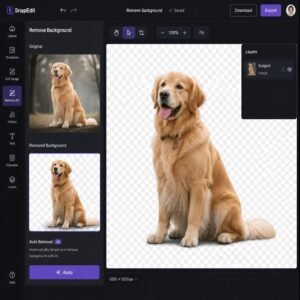
Modern AI editing tools streamline this process into a few quick steps. Computer vision algorithms automatically trace around hair, shoulders, and clothing edges to clip out your subject cleanly.
After background removal, you can adjust color saturation, apply subtle shadow borders, and crop your portrait into standard circular frame formats. This turns a simple phone photo into an eye-catching visual anchor for your digital profiles.
Whether you prefer low-key dark themes or bright Y2K style visuals, mastering basic photo editing steps lets you refresh your online presence whenever trends evolve.
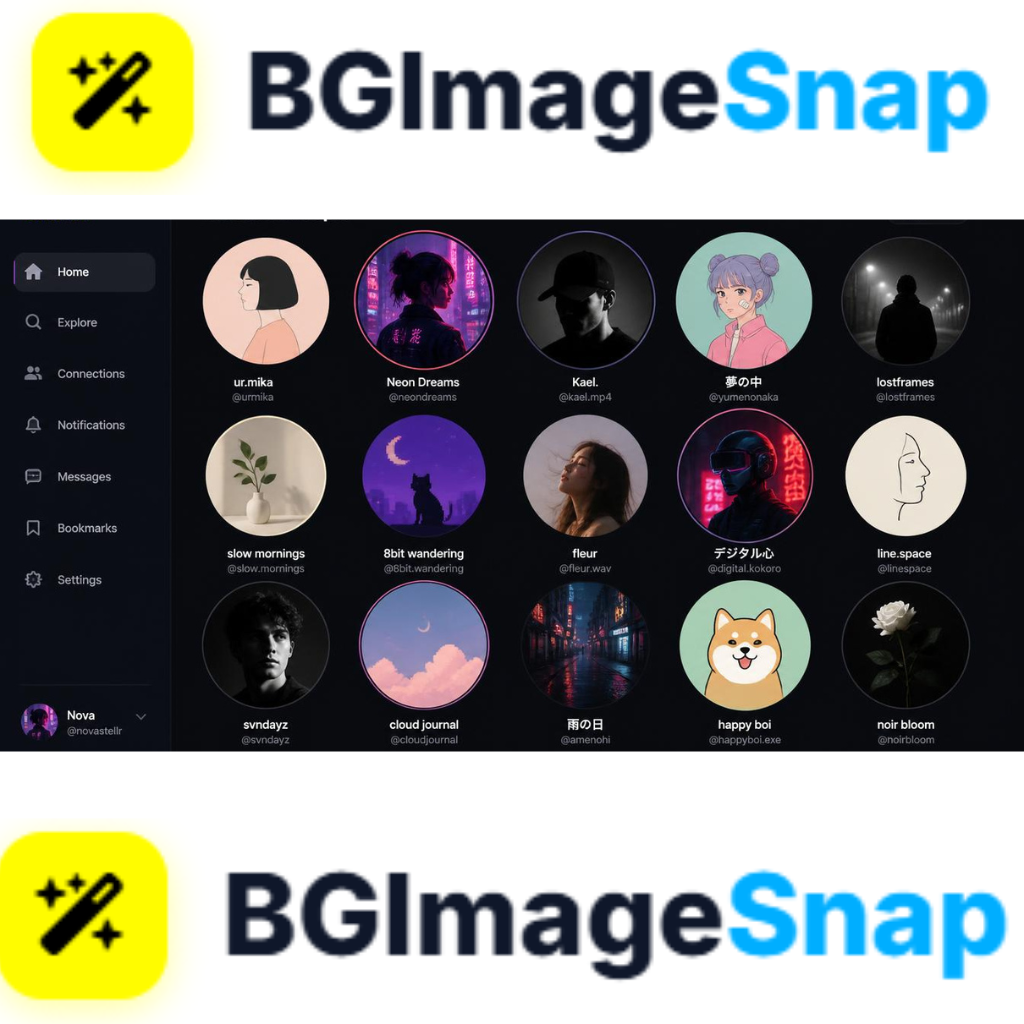
Full Details Popular Styles Features and Platform Specs
Designing a powerful avatar requires picking the right visual style and matching platform display specs. Here is a comprehensive breakdown of trending aesthetic styles, platform dimensions, and recommended editing options.
Trending Profile Picture Aesthetics
| Aesthetic Style | Key Visual Elements | Popular Platforms | Mood / Impression |
|---|---|---|---|
| Minimalist Pastel | Soft solid colors, cream tones, subtle drop shadows | LinkedIn, Twitter/X, Notion | Professional, clean, friendly |
| Cyberpunk / Neon | Glowing neon outlines, dark backdrops, cyan and magenta hues | Discord, Twitch, Gaming forums | Futuristic, high-energy, gamer |
| Vintage Film / Retro | Warm grainy textures, muted colors, soft film burn overlays | Instagram, Pinterest, TikTok | Nostalgic, artistic, casual |
| Dark Mode Cyber | High contrast, dark gray/black backdrops, sharp subject lighting | GitHub, Discord, Tech forums | Sleek, mysterious, modern |
| Anime / Illustrated | Clean cutout outlines, pastel pop colors, graphic patterns | Discord, Reddit, VTuber channels | Creative, fun, expressive |
Major Social Platform PFP Specifications
| Social Platform | Recommended Upload Size | Frame Shape | Display Resolution Notes |
|---|---|---|---|
| Discord | 128 × 128 px (Upload 512 × 512 px) | Circle | Supports animated GIF PFPs for Nitro users |
| 320 × 320 px | Circle | Displays at 110 × 110 px on mobile feeds | |
| TikTok | 200 × 200 px | Circle | Supports quick video PFP uploads |
| Twitter / X | 400 × 400 px | Circle | Square framing applies to verified business accounts |
| YouTube | 800 × 800 px | Circle | Displays next to videos and comments |
| 400 × 400 px | Circle | High resolution recommended for web zoom |
Using high-resolution original source files (at least 800×800 pixels) ensures your final design stays crisp when platforms scale down your upload across smaller screens.
How to Make an Aesthetic PFP
Turning any raw photo into a stylish profile picture takes just a few quick steps using free online editors. Follow this simple step-by-step workflow:
- Pick a sharp source photo. Choose a photo with good lighting where your face or subject is in sharp focus. Photos with strong contrast between the subject and background deliver the cleanest cutouts.
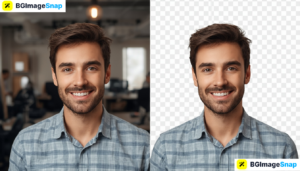
- Remove the original background on bgimage. Upload your photo to our free background remover tool. The AI will isolate your portrait from the cluttered background in seconds.
- Add a custom background color or pattern. Place your isolated portrait over a solid pastel shade, vibrant color gradient, or artistic texture image that matches your targeted visual style.
- Crop to a square 1:1 aspect ratio. Center your portrait subject within a square frame. Make sure to keep your face centrally positioned so no critical details get cut off when social apps apply circular framing.
- Download and update your profile. Save your newly created transparent PNG or high-res JPG file, then upload your fresh visual avatar across your favorite social accounts.
This quick editing routine allows you to experiment with multiple artistic styles in minutes without buying expensive illustration software.
Who Uses an Aesthetic PFP? Real Use Cases
A striking visual avatar helps different kinds of users build recognition across digital platforms. Here are four common groups who use customized profile pictures daily:
Gamers and live streamers. Streamers on Twitch, Kick, and Discord use glowing neon avatars to match their channel themes and overlay branding. A distinctive aesthetic PFP helps viewers recognize their comments instantly in fast-moving chat feeds.
Freelancers and remote workers. Professionals on LinkedIn, Upwork, and Twitter replace plain headshots with clean minimalist portraits over warm pastel backgrounds. Modern color accents make business profiles feel personal, approachable, and polished.
Content creators and influencers. YouTubers, TikTokers, and bloggers match their profile aesthetics to their overall channel color palettes. Cohesive branding across platforms reinforces account identity and makes marketing campaigns look professional.
Students and online community members. Discord and Reddit users love switching up their visual avatars to reflect favorite anime styles, seasonal moods, or pop culture trends. Custom avatars offer a fun way to express personality online while maintaining personal privacy.
Pro Tips for Designing the Perfect Profile Picture
Follow these helpful design tips to make sure your avatar looks sharp, balanced, and attractive across all mobile apps and desktop platforms:
- Mind the circle crop zone. Most modern social platforms crop square uploads into circles. Keep your main facial features, eyes, and key graphics centered so nothing gets cut off by rounded frame edges.
- Maintain high visual contrast. Ensure your portrait subject stands out clearly against your chosen background color. Dark hair looks best against lighter or neon-accented backdrops, while bright hair pops against dark mode backgrounds.
- Avoid cluttered backgrounds. Keep background graphics simple. Busy patterns or complex photo backdrops compete with your portrait, making your avatar hard to read at small mobile screen sizes.
- Use soft drop shadows for depth. Adding a soft, transparent shadow layer right behind your cutout subject separates you from flat background colors, giving your avatar a subtle 3D depth effect.
- Keep color palettes consistent. Align your PFP color tones with your social media banner, cover photo, or link-in-bio page for a seamless, professional brand aesthetic.
Frequently Asked Questions
What is the best file format to save an aesthetic PFP?
PNG is the best overall file format for profile pictures. It preserves sharp line edges, supports full alpha channel transparency, and prevents compression blur across web platforms.
How do I make my PFP look aesthetic without Photoshop?
You can easily create stylish profile pictures using free browser tools. Use bgimagesnap.com to remove background clutter, then layer your cutout photo over solid colors or gradient designs.
What dimensions should I use for a square profile picture?
A square ratio of 800×800 pixels or 1080×1080 pixels works best. Uploading high-resolution square files guarantees your avatar looks crisp whether displayed on small phone apps or large desktop monitors.
Why does my profile picture look blurry after uploading?
Social media platforms compress large files automatically upon upload. Starting with exact 1:1 square aspect ratios and crisp PNG files prevents platforms from applying heavy compression filters.
How can I make my background transparent for a custom PFP design?
Upload your portrait photo to a free online AI background remover. The software automatically erases background pixels, allowing you to save a transparent PNG file ready for custom design layering.
Conclusion
Creating an aesthetic PFP is the fastest way to upgrade your online identity, capture attention, and stand out in social media feeds. By stripping away distracting background noise and adding custom colors or textures, you can transform any ordinary photo into a stylish digital avatar. Visit bgimagesnap.com today to test our free editing tools and build your next profile picture in seconds!