Your LinkedIn profile photo is the first thing recruiters and connections see. Profiles with professional photos get 21x more views and 36x more messages. BGImageSnap.com tools help you create a professional LinkedIn headshot from any photo — free, in your browser.
LinkedIn Profile Photo Size Requirements 2025
- Recommended dimensions: 400 x 400 pixels (minimum), up to 7680 x 4320 pixels
- Aspect ratio: 1:1 (square, displays as circle)
- Maximum file size: 8 MB
- Accepted formats: JPG, PNG
LinkedIn Background / Banner Photo Size
- Dimensions: 1584 x 396 pixels
- Aspect ratio: 4:1
Use our Image Resizer to resize your banner to exactly 1584 x 396 pixels.
How to Make a Professional LinkedIn Photo Free
- Take the photo: Use your phone in portrait mode. Stand near a window for natural side lighting. Wear professional clothing.
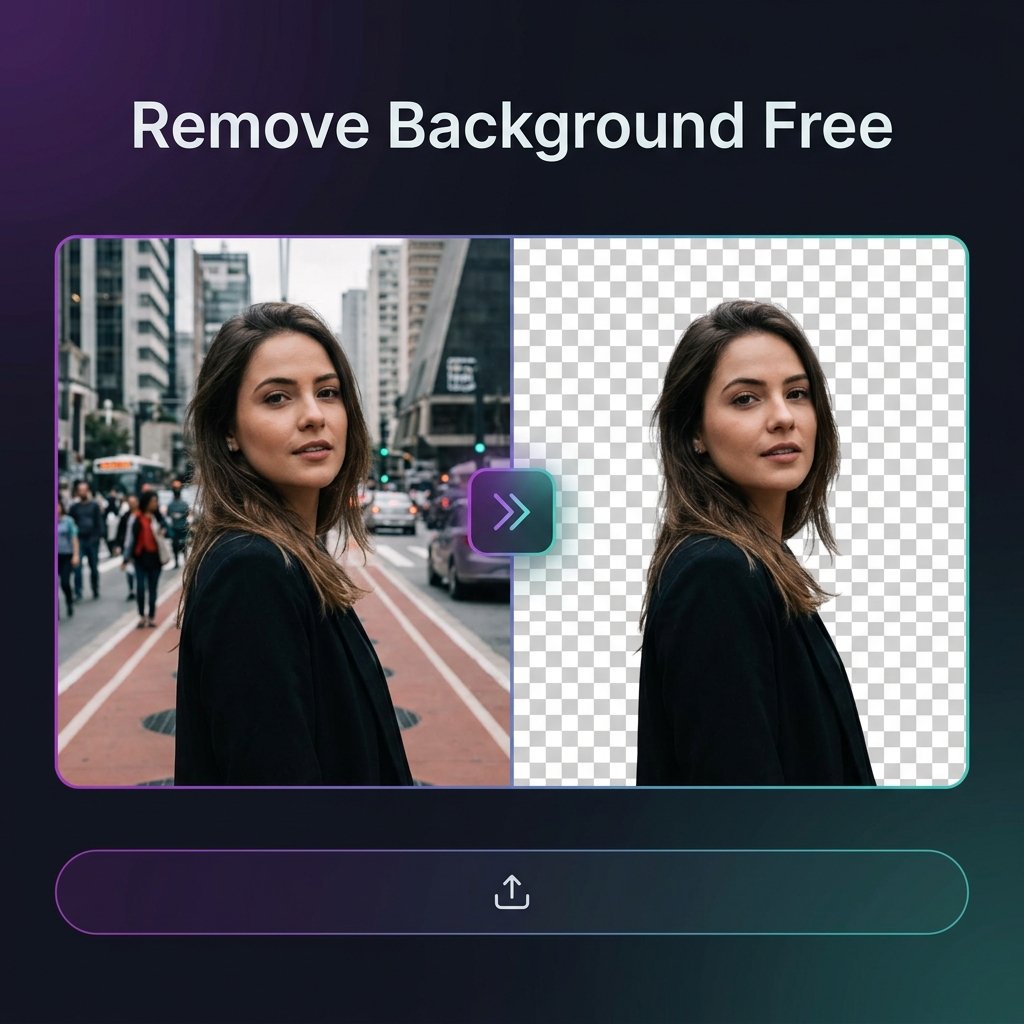
- Remove or blur the background: Use our Background Remover. You can replace the background with white, light grey, or a professional blur effect.
- Crop to square: Use our Image Resizer to crop to 800 x 800 pixels.
- Compress if over 1MB: Use our Image Compressor to reduce file size without quality loss.
LinkedIn Profile Photo Best Practices
- Fill 60% of the frame with your face — not too far, not too close
- Smile naturally — approachable photos perform better than serious ones
- Use a plain, light-colored background or professional blurred office background
Frequently Asked Questions
What is the ideal LinkedIn profile photo size in pixels?
400 x 400 pixels minimum. Recommended 800 x 800 pixels for sharp display on high-resolution screens. Upload as square (1:1 ratio) — LinkedIn displays it as a circle.
Should my LinkedIn photo background be white?
Light grey, white, or a blurred background all work well. Avoid dark or distracting backgrounds. Use our Background Remover to replace any background with your preferred professional look.